
Construction and steel erection inspections with proof that holds up.
The QA/QC forms your project already uses, digitized as they are. Filled out with photo and voice, even offline, and every element is dated and pinned to the drawing.
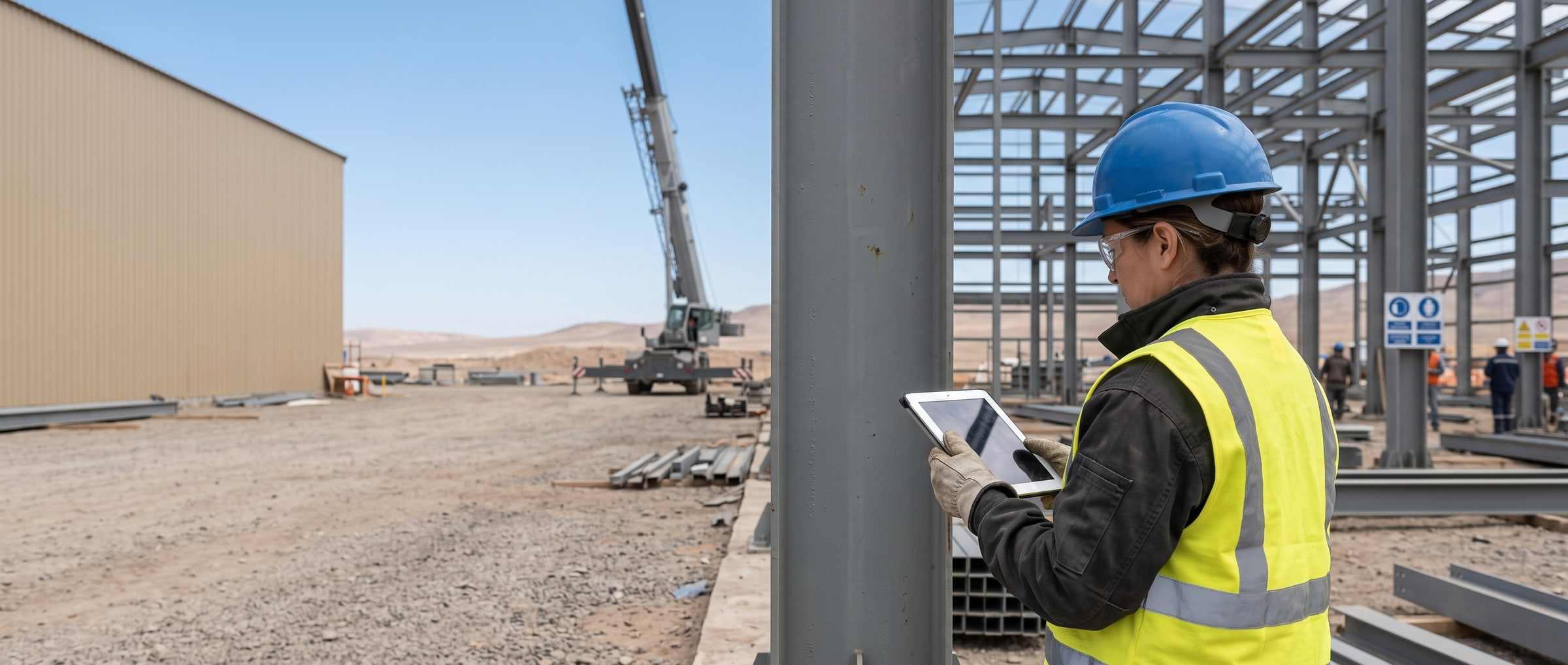
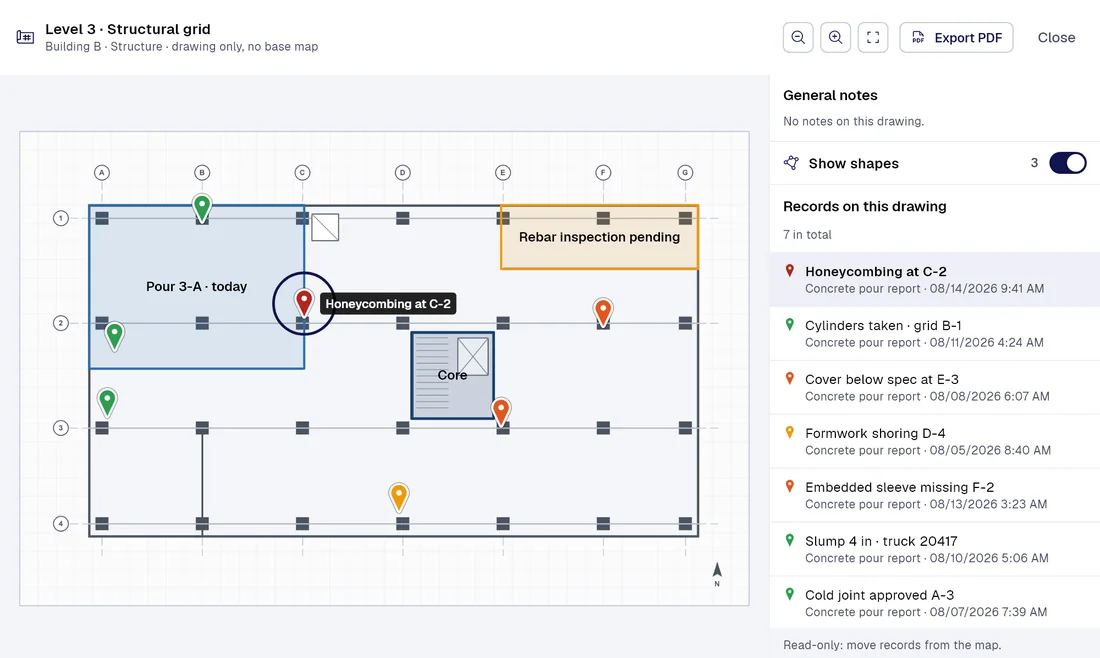
Today / With PAIR
Five inspections that get lost in paperwork today, and how PAIR changes them
| Today |  |
|---|---|
| The superintendent fills out the pour report on paper and snaps a photo to send by chat. | Concrete pour and cylinder traceabilityDelivery ticket, slump and every cylinder number stay tied to the element, pinned on the floor plan. |
| The visit report is signed on paper, and each closed item is backed by loose, undated photos. | Owner’s inspector visit · report and punch itemsEach observation creates a task with an owner and a due date, and closes with the photo that proves it. |
| The QC inspector keeps the weld log in a spreadsheet that gets updated at the end of the day. | Weld log and NDTEach weld with its welder, its test and its result. The welder’s identity can be masked. |
| The erection lead writes plumb, alignment and torque on a sheet that gets retyped days later. | Steel erection · plumb, alignment and boltingEach connection with its photo, its reading and a staged approval, stamped with the server time. |
| The project manager builds the closeout at the end, room by room, digging through emails and binders. | Area turnover and closeout packageEach room’s status sits on the floor plan, and the PDF report comes out under your company letterhead. |
Smart captureProfessional
Your forms fill themselves with AI.
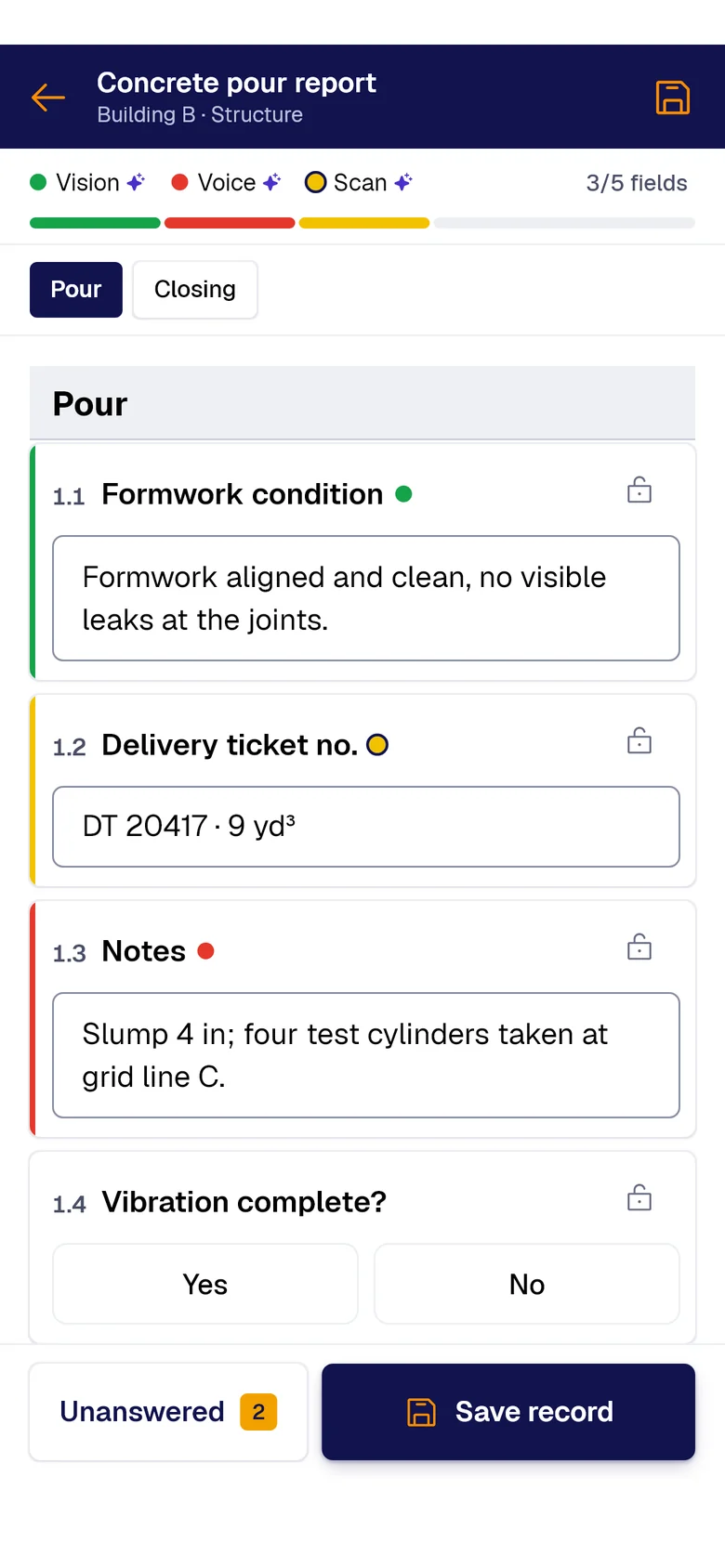
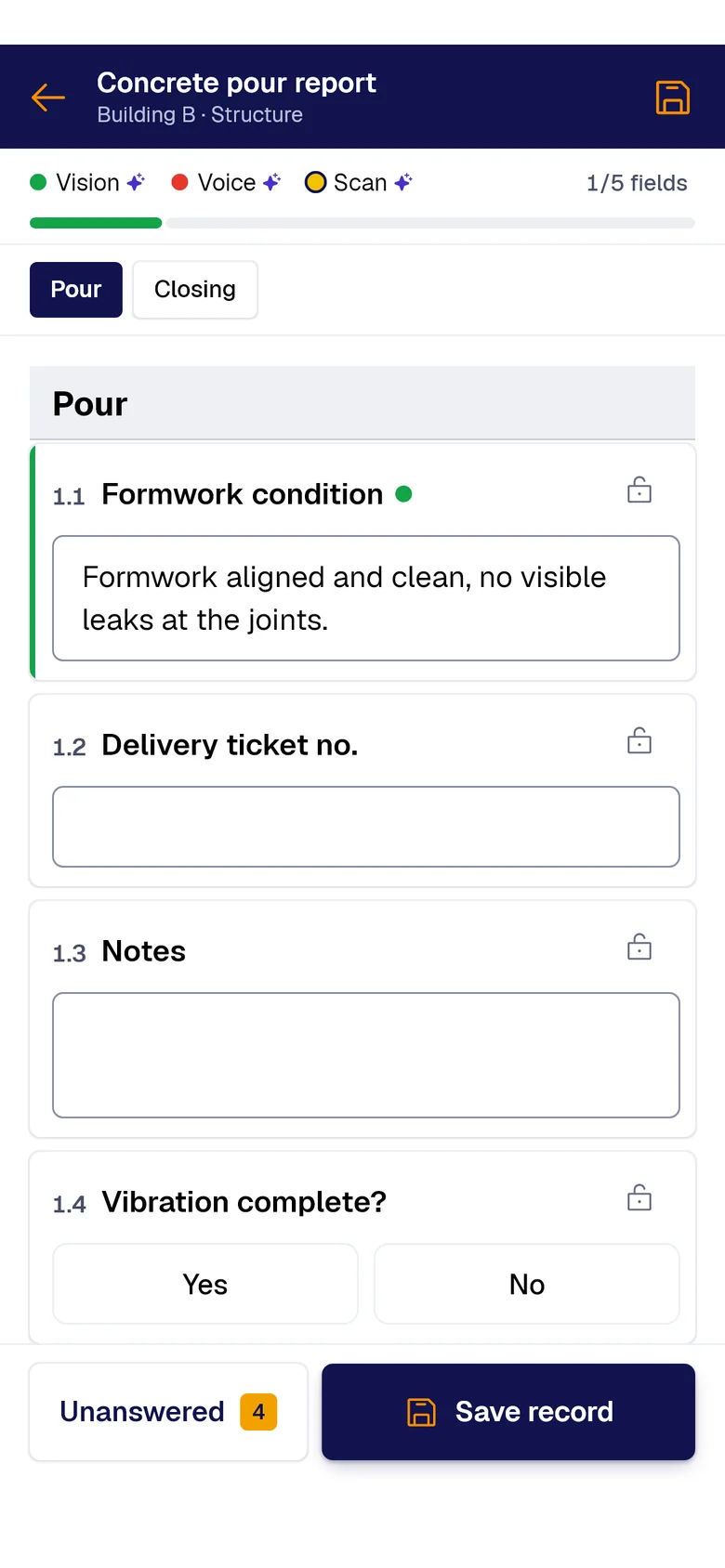
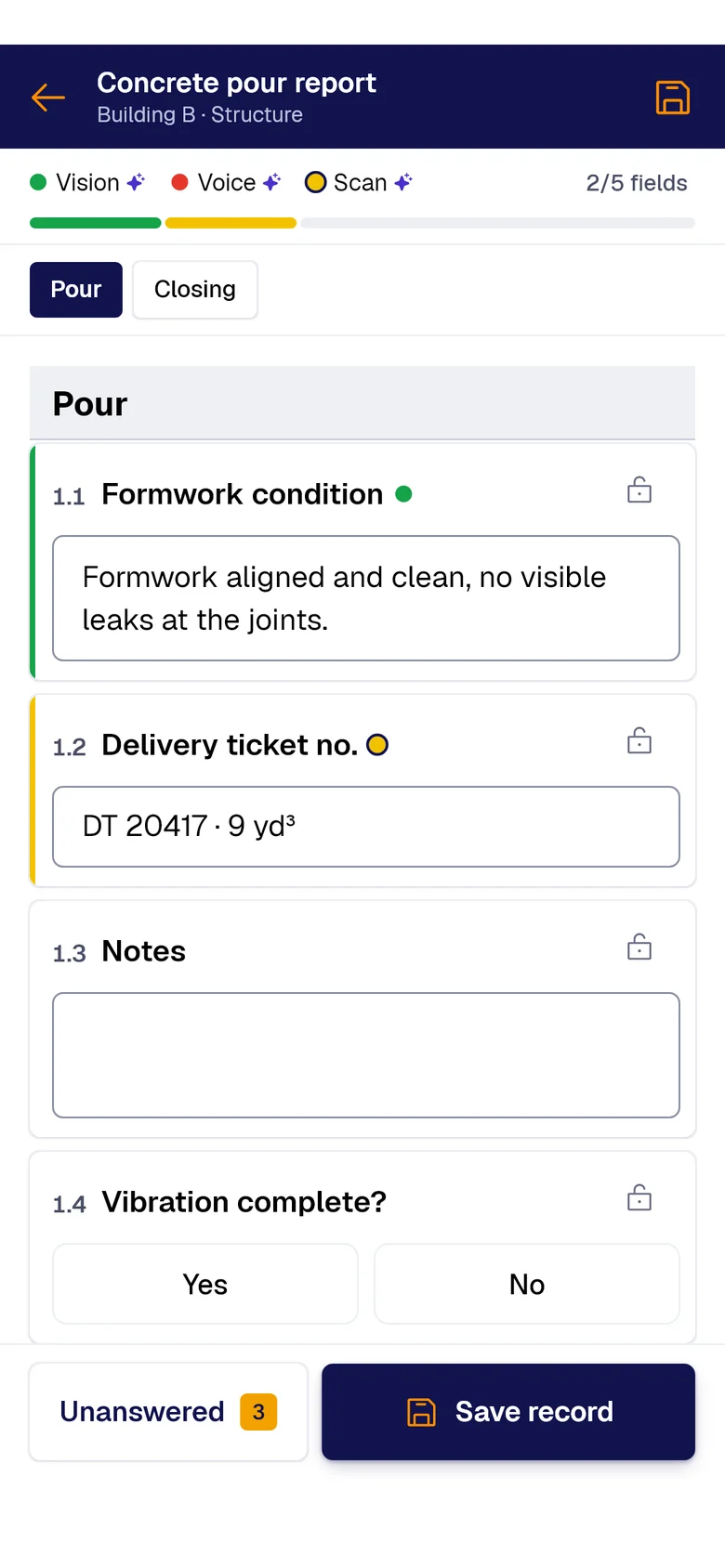
A photo, the paper sheet or your voice: AI fills each field and marks where it came from. You just review and save.
- PAIR VisionAI Take a photo and AI fills the fields with what it sees.
- PAIR ScanAI Scan the paper sheet and AI moves its data into the form.
- PAIR VoiceAI Speak and AI transcribes and fills the fields.
What puts your project at risk today
Concrete, welding, steel erection, inspector visits and area turnover.
The pour report travels as a chat photo. Once compressed, the cylinder number is unreadable.
The inspector’s punch item gets closed, but the proof is scattered across three emails and an undated photo.
The closeout package gets built at the end, digging for two-year-old paperwork. Every day of delay costs.
What you start with
-
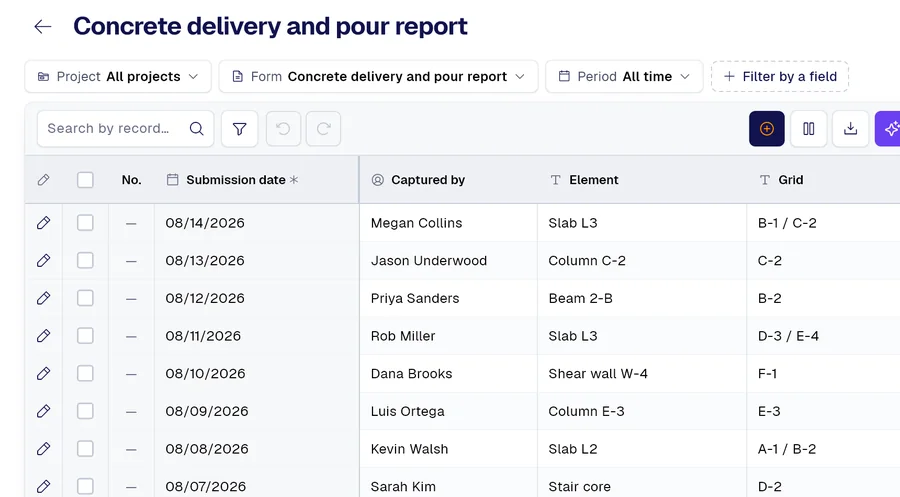 Form 01
Concrete delivery and pour report, with cylinder traceability
-
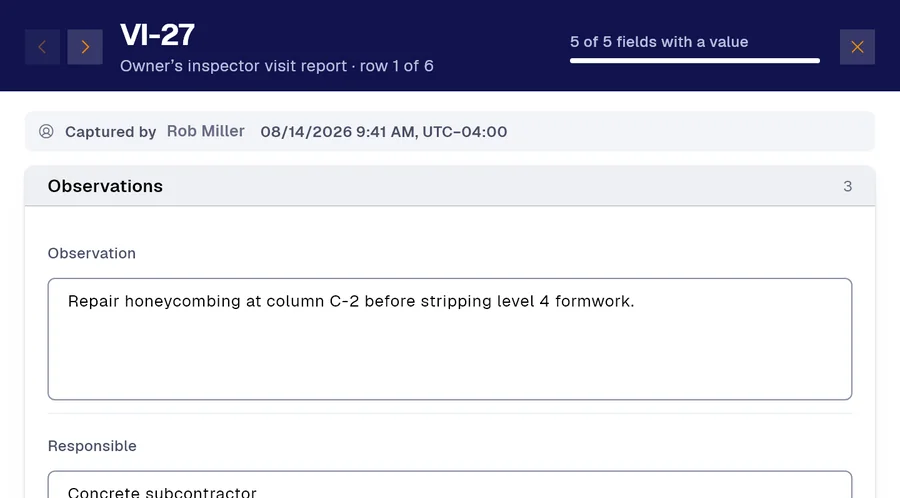 Form 02
Owner’s inspector visit report, with observations and deadlines
-
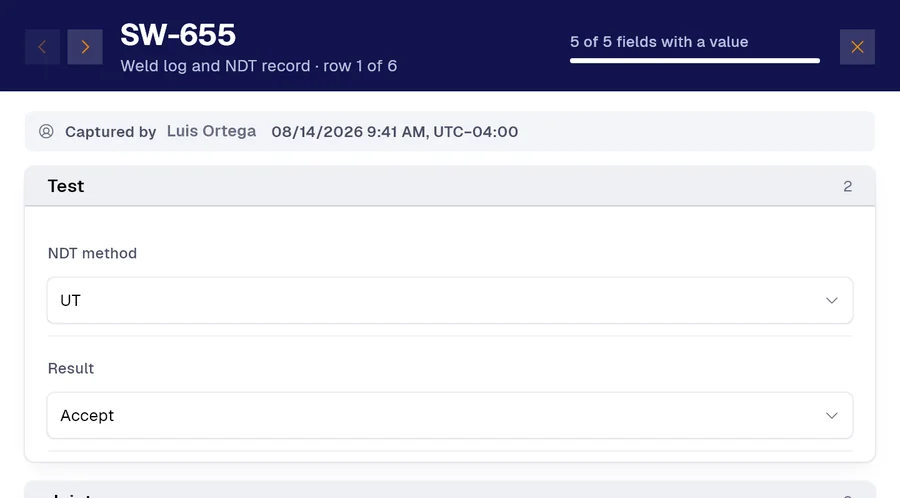 Form 03
Weld log and non-destructive test record
And many more, built around your operation. Ask us.
Frequently asked questions
How do I digitize a QA/QC form or any construction document?
With a photo. Snap the form you use today, or any document, and in a couple of minutes or less the app turns it into a form with its sections, fields and checkboxes. You can also do it over WhatsApp with our chatbot, or build it field by field in the app.
How do I document closing out inspector punch items?
Each observation is recorded with a photo, a coordinate and a date. A rule creates the task with an owner and a due date, and the close-out keeps who did it, when, and the photo that proves it.
Can the inspection report carry our company logo?
Yes. The automatic report comes out as a PDF with your company letterhead and branding, and you choose the charts. Records also export to Excel, and a read-only API feeds Power BI.
Demo
Send us one of your forms
The PDF or a photo of a form your project uses today. We will show it to you digitized, with your own letterhead and your own checkboxes.
Would you rather look at the plans first? See pricing.