
Forestry field operations, captured in the woods, even offline
Equipment pre-use checks, harvest inspections, fire-season shutdowns and road patrols, on the forms your crews already use. Filled by photo and voice, offline, with every finding on the stand map.
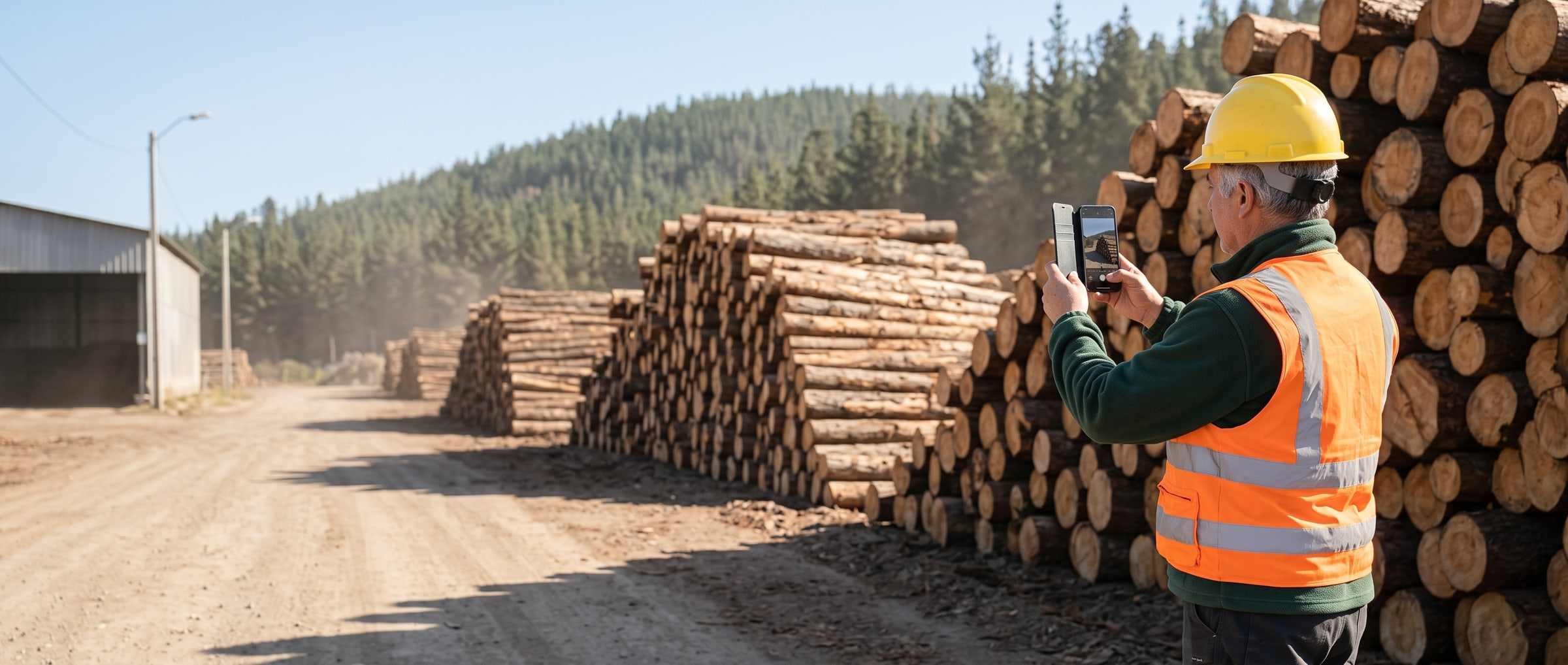
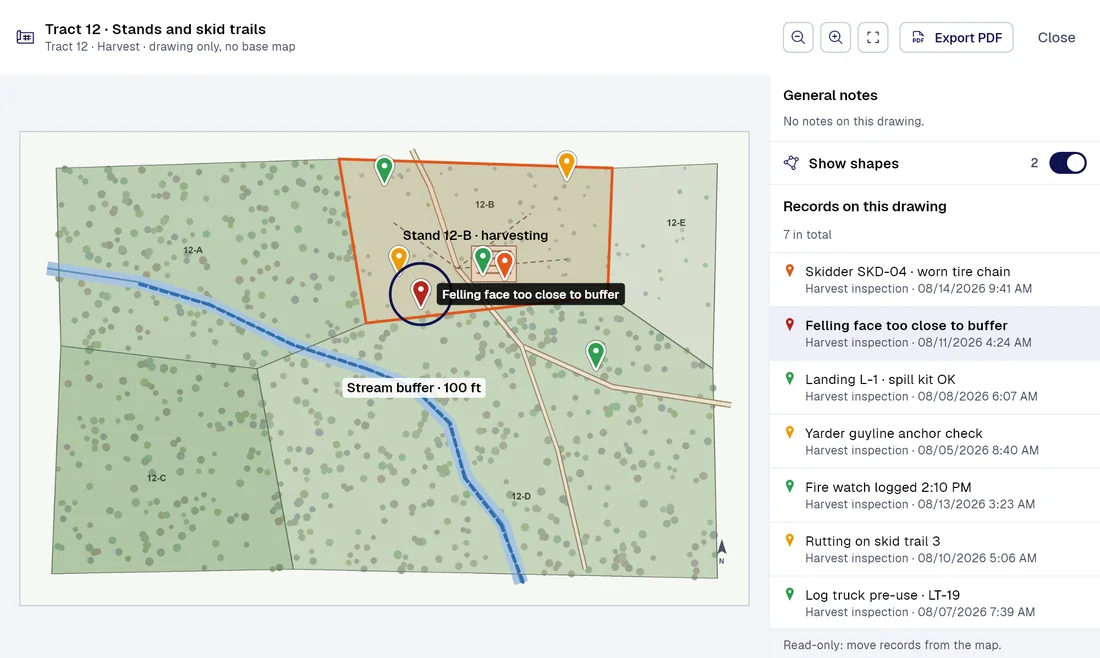
Today / With PAIR
Five field jobs that eat hours today, and how PAIR changes them
| Today |  |
|---|---|
| The operator ticks the paper form at the start of the shift, and the shop sees it days later, if ever. | Logging equipment pre-use checkThe operator fills it by photo and voice. A critical defect opens a maintenance task on its own, with an owner and a due date. |
| The supervisor walks the felling face and the landing with a damp pad, and the photos stay on his phone. | Harvest inspectionEvery finding lands on the stand map with a photo, a GPS point and a time, and the PDF report builds itself. |
| Shutdown time, fire watch and pump condition get written down from memory at the end of the day. | Fire-season shutdown during high-risk hoursEvery record keeps the time it was filled and the time it reached the server, even when filled with no signal. |
| The permit is signed on paper, and later nobody can tell which level of the mill was worked on. | Work permits at the sawmillThe permit is approved stage by stage with the server’s timestamp, and the finding sits on the exact level of the plant. |
| The location gets written down as “past the old bridge”, and every post-storm patrol starts from scratch. | Forest road and culvert patrolEvery culvert becomes a fixed point on the map with its own history, ready to compare against the last patrol. |
Smart captureProfessional
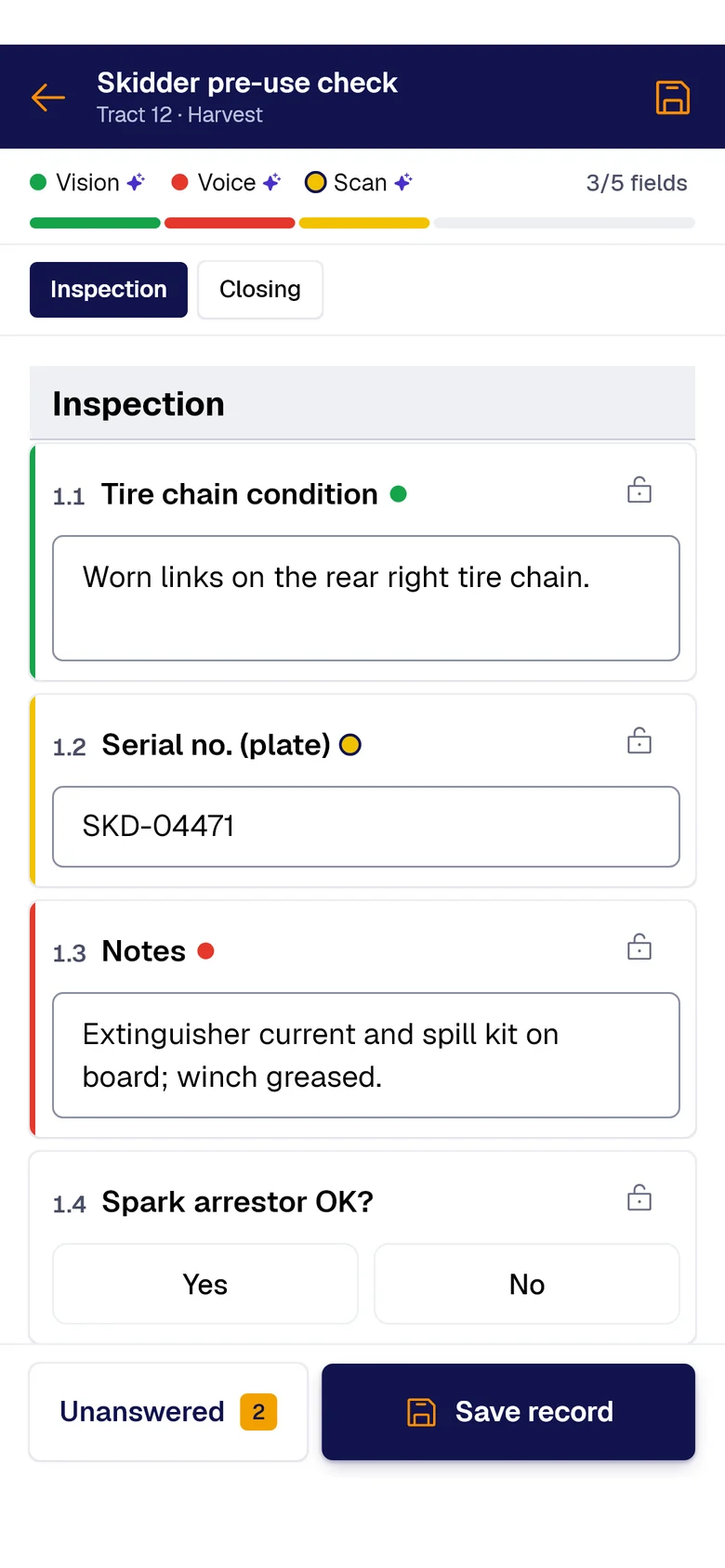
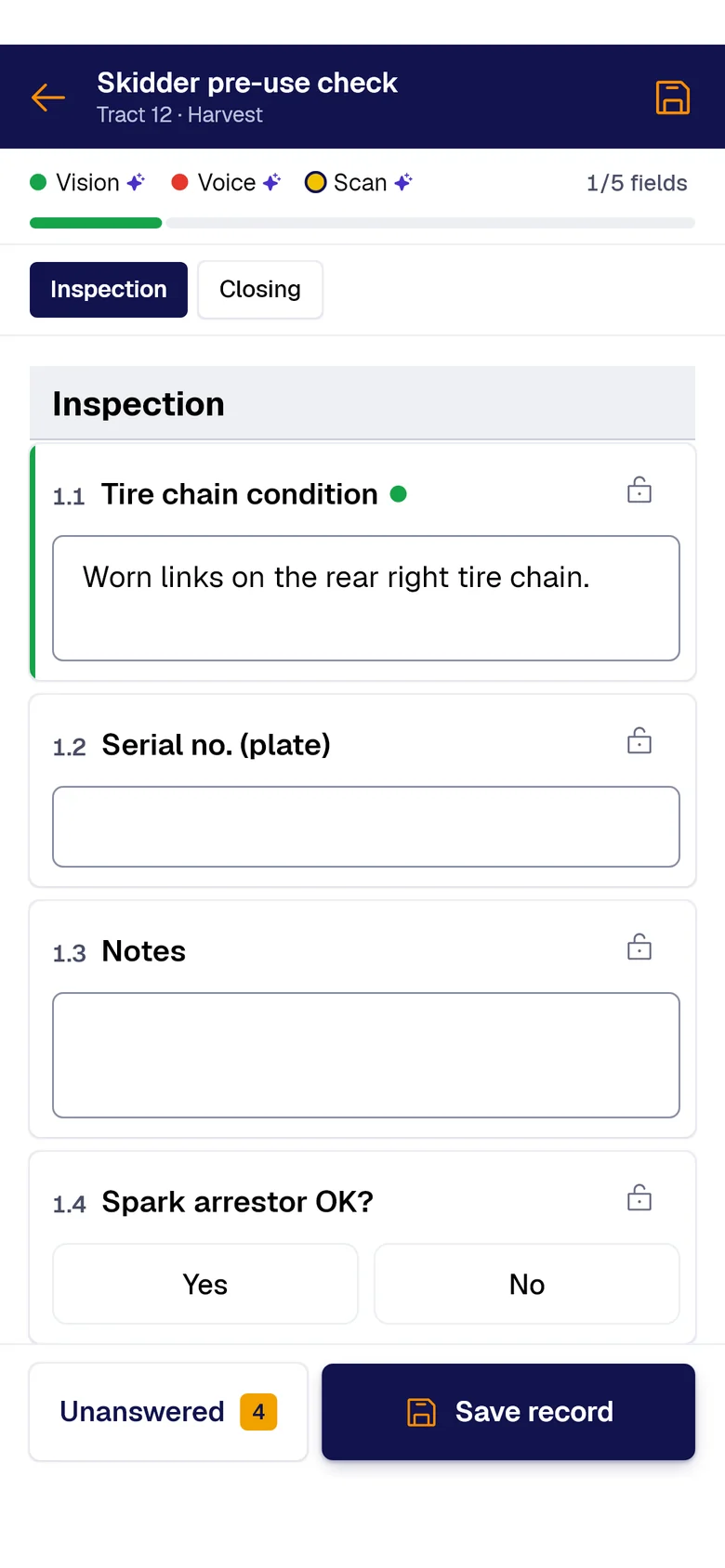
Your forms fill themselves with AI.
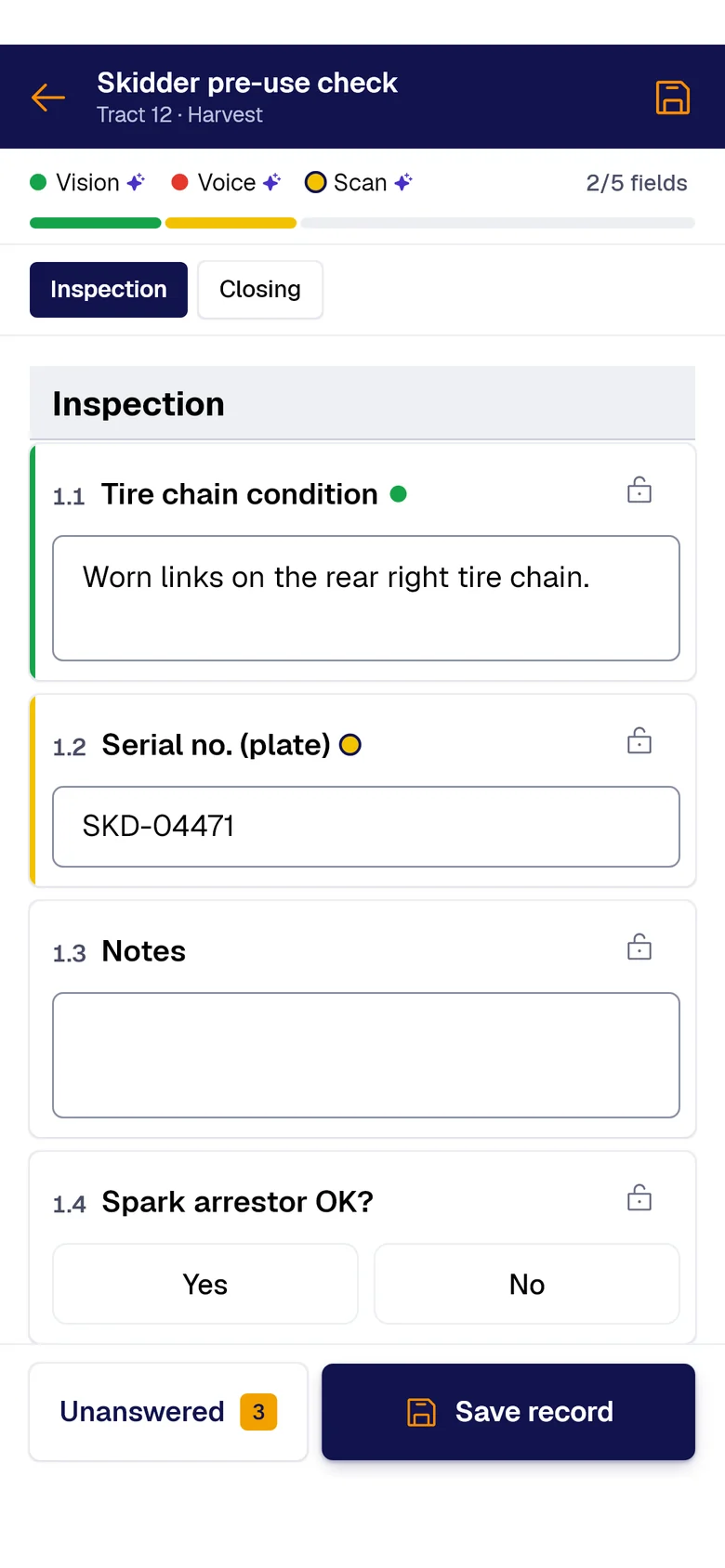
A photo, the paper sheet or your voice: AI fills each field and marks where it came from. You just review and save.
- PAIR VisionAI Take a photo and AI fills the fields with what it sees.
- PAIR ScanAI Scan the paper sheet and AI moves its data into the form.
- PAIR VoiceAI Speak and AI transcribes and fills the fields.
What it costs you today
For forest landowners and logging contractors. Send us the paper form your crews fill out in the pickup today.
The pre-use check gets signed on the hood and reaches the shop after the machine has already run.
A harvester fault goes down on paper, maintenance hears about it late, and every hour of downtime costs.
When the landowner asks for records, the crew has moved on and the paperwork is scattered across loose files.
Forms to start with
-
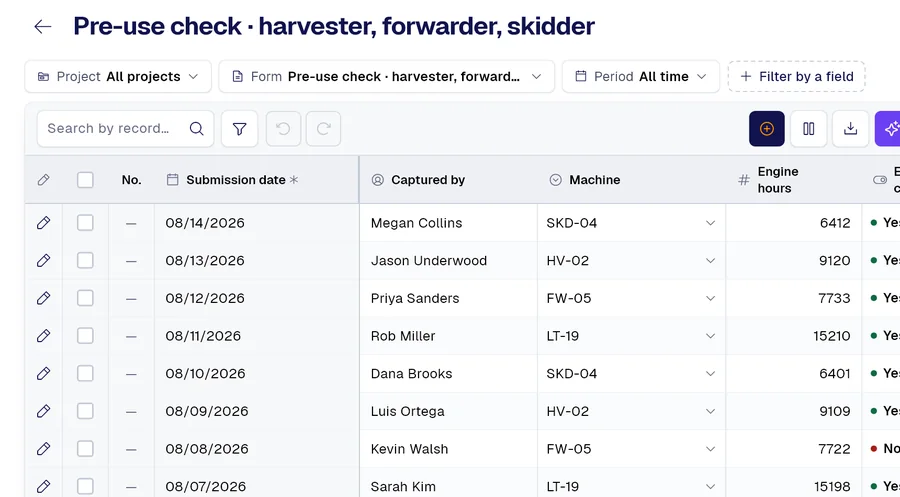 Form 01
Pre-use check for harvester, forwarder, skidder and log truck
-
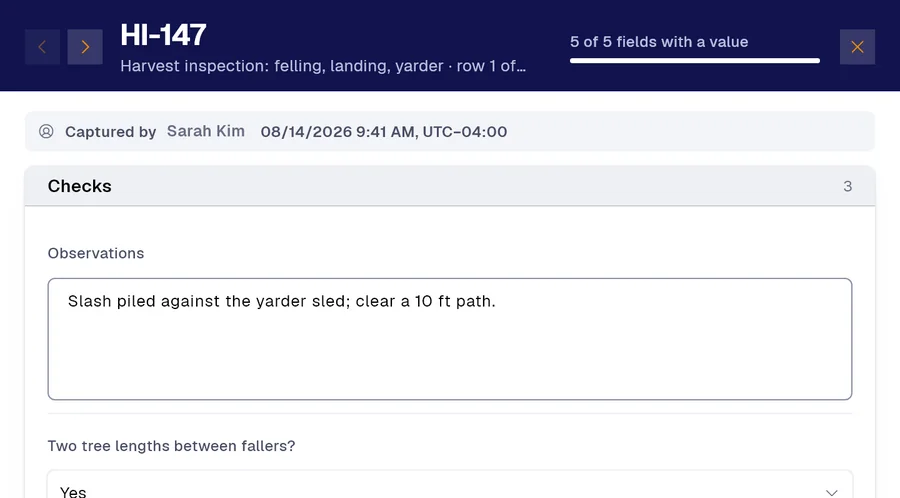 Form 02
Harvest inspection: felling face, landing and yarder
-
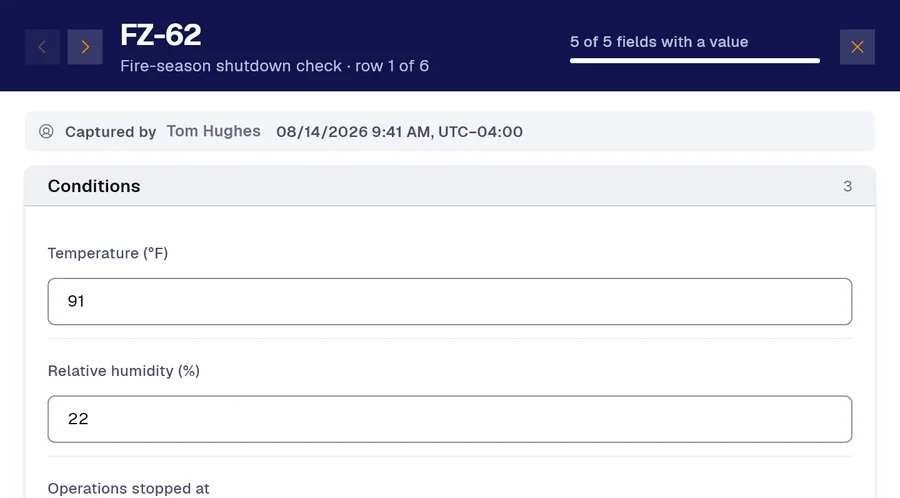 Form 03
Fire-season shutdown check: stop time, fire watch and suppression equipment
And many more, built around your operation. Ask us.
Frequently asked questions
How do I digitize a pre-use checklist or any document at a logging site?
With a photo. Snap the form you use today, or any document, and in a couple of minutes or less the app turns it into a form with its sections, fields and checkboxes. You can also do it over WhatsApp with our chatbot, or build it field by field in the app.
Does it work with no cell signal in the woods?
Yes. The whole form works offline, and anything pending syncs on its own once coverage returns. Every record keeps the time it was filled and the time it reached the server, and a GPS point takes one tap.
How do I send a harvest inspection report to the landowner?
The PDF report is generated automatically, with your company’s header and branding. You can also export to Excel or connect Power BI. Every correction is logged with who made it, when and why.
Demo
Send us a form from your operation
Send the pre-use check or inspection your crews fill out today, and see it digitized and running on a phone, with no signal.
Would you rather look at the plans first? See pricing.