
File the expense the day you make it, with a photo of the receipt.
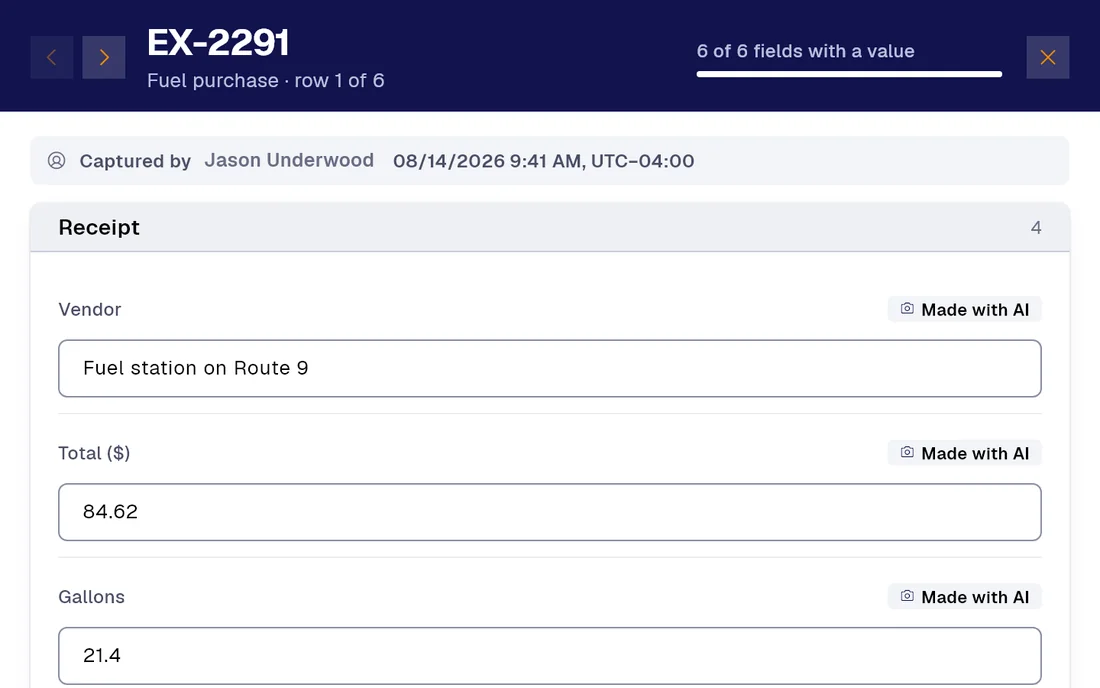
Whoever is in the field photographs the receipt or invoice and PAIR fills in the form: amount, date, the issuer’s tax ID and category. You can also send the photo over WhatsApp to our assistant. Managers approve in stages and accounting exports the month.

Today / With PAIR
Five things that change with the first report
| Today |  |
|---|---|
| Whoever made the expense keeps the receipt and files it at month end, when it can no longer be read. | The receipt is read on the spotOne photo and the form proposes amount, date, the issuer’s tax ID, document number and category. You check it on screen before sending, and the photo stays attached as backing. |
| The receipt photo is sent by chat to the manager and stays there, lost among messages. | The receipt over WhatsApp, without opening the appYou send the photo to the PAIR assistant on WhatsApp and the expense record is created with the data from the image, ready to review. |
| The error shows up when accounting reconciles the month, three weeks after the expense. | Tax ID and amount, validated as they are typedThe tax ID is validated on entry and required fields will not let a half-filled report go out. What does not add up gets fixed in the field. |
| The manager replies “ok” by email and finance asks again who approved it. | Approval in stages, with name and timeEvery report goes through the stages you define, with who approved and the server time. If it is sent back, it records to which stage and why. |
| Somebody builds the month’s spreadsheet copying receipts one by one. | The month-end close for accountingThe expense table filtered by period or by person, exported to Excel or CSV, and the PDF with a photo of every receipt. |
Smart captureProfessional
Your forms fill themselves with AI.
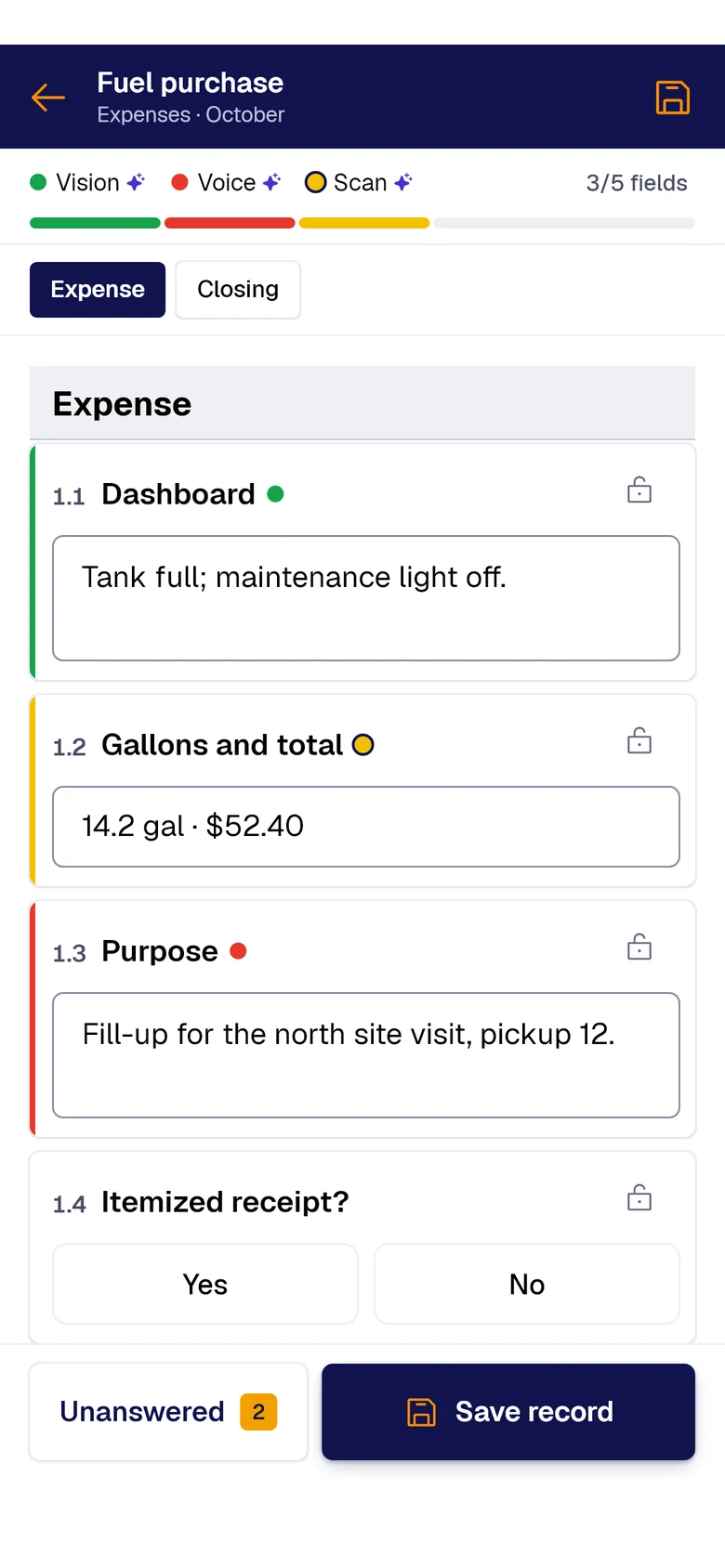
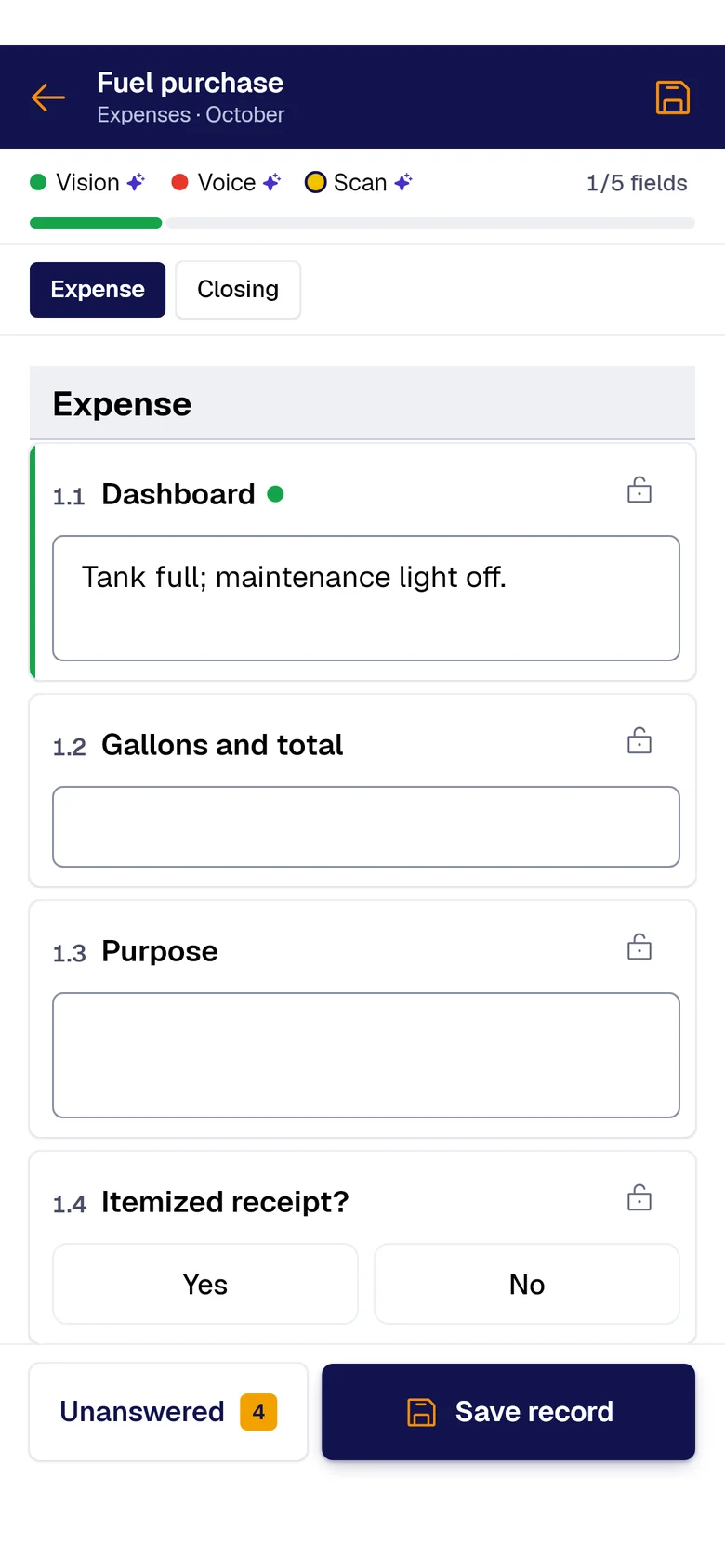
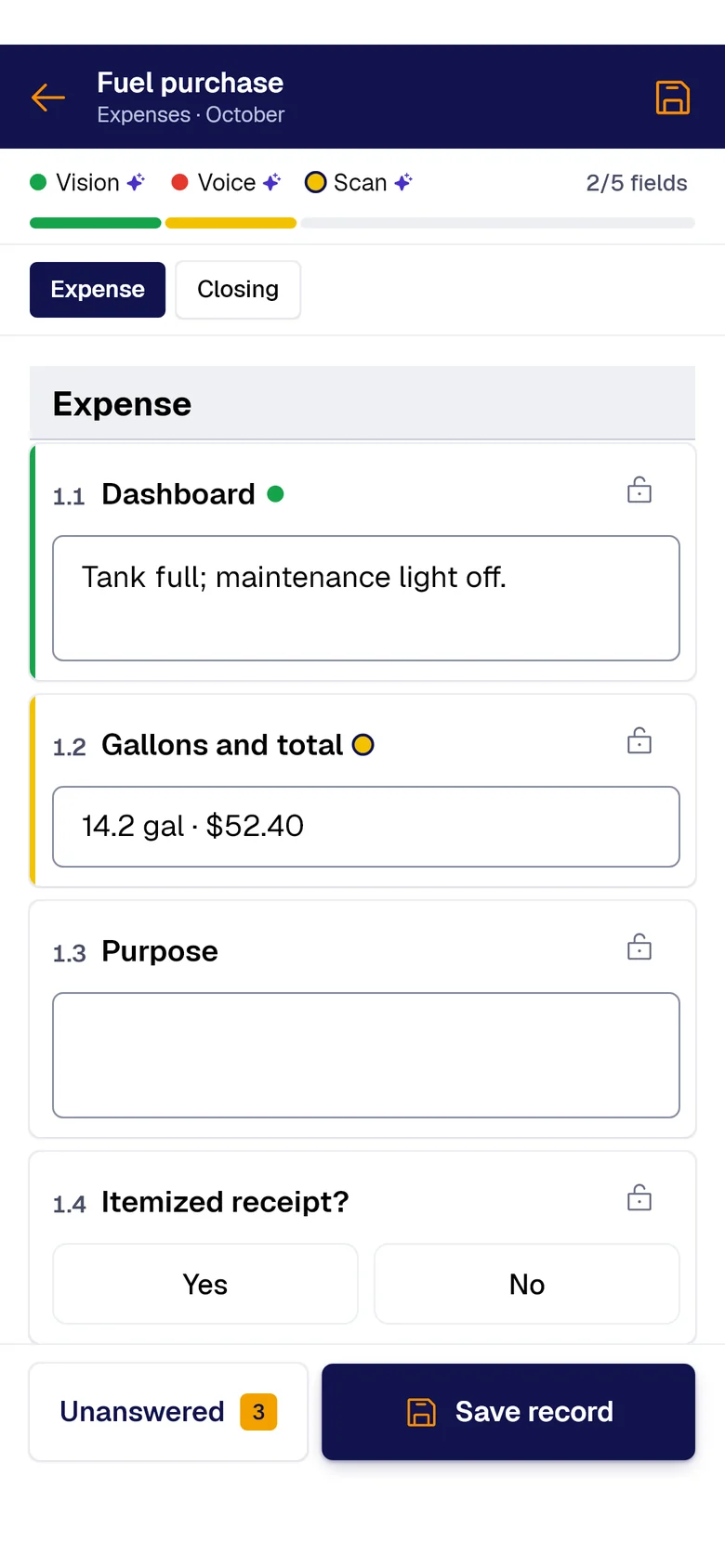
A photo, the paper sheet or your voice: AI fills each field and marks where it came from. You just review and save.
- PAIR VisionAI Take a photo and AI fills the fields with what it sees.
- PAIR ScanAI Scan the paper sheet and AI moves its data into the form.
- PAIR VoiceAI Speak and AI transcribes and fills the fields.
What makes an expense report arrive late
For finance and admin, and for whoever files expenses from the field: receipts, invoices, fuel and petty cash.
Receipts spend a week in the glovebox and reach the office crumpled, the thermal paper already fading.
Somebody who did not make the expense types amount, date and tax ID into a spreadsheet again, and one wrong digit sends the whole report back.
The approval lives in an email thread, and whoever paid out of pocket has no idea when they will be reimbursed.
What you start with
-
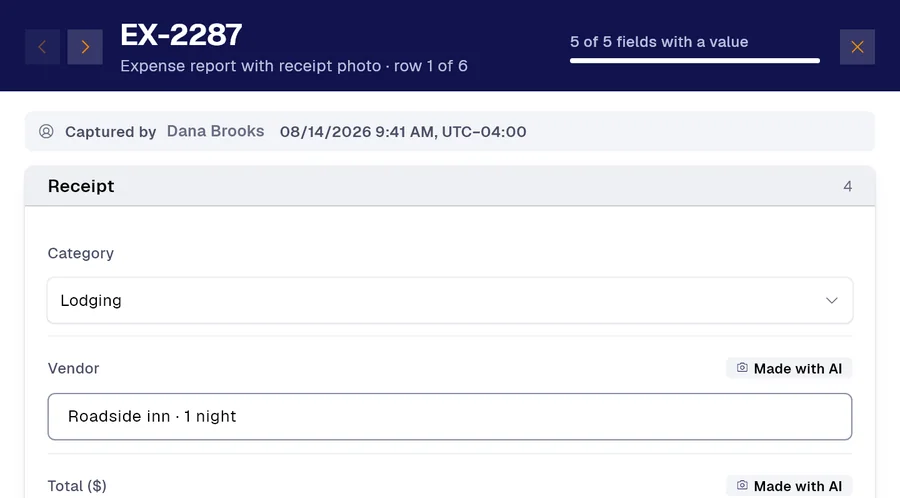 Form 01
Expense report with a photo of the receipt or invoice
-
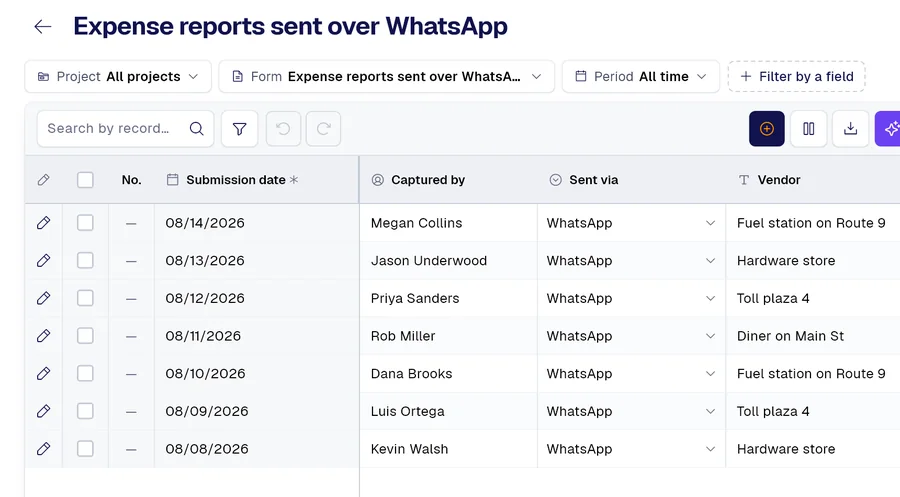 Form 02
Expense report sent over WhatsApp, from the photo
-
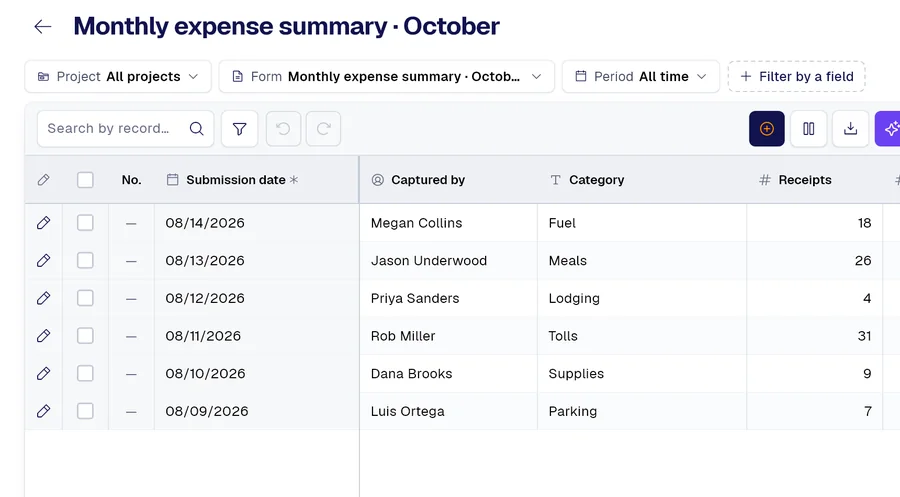 Form 03
Monthly expense summary for accounting
And many more, built around your operation. Ask us.
Frequently asked questions
Can I file a receipt over WhatsApp?
Yes. You send the receipt photo to our WhatsApp assistant and the expense record is created with the data from the image, ready to review and send for approval.
What does it read from the receipt?
Amount, date, the issuer’s tax ID, document number and category. It is a proposal: whoever files it confirms or corrects it before sending, and the photo stays as backing.
Which plan includes filling from a photo?
Smart filling from photos comes from the Professional plan, Advanced included, as does voice filling.
Related use cases

Demo
Bring us three receipts from this week
And the expense form you use today: in thirty minutes you see it digitized, filling itself in from the receipt photo and from WhatsApp.
Would you rather look at the plans first? See pricing.