
Port terminal operations, captured on the dock, not days later
Crane and equipment pre-use checks, container damage surveys and conveyor rounds, on the forms you already use. Filled by photo and voice on the dock, even with no signal.
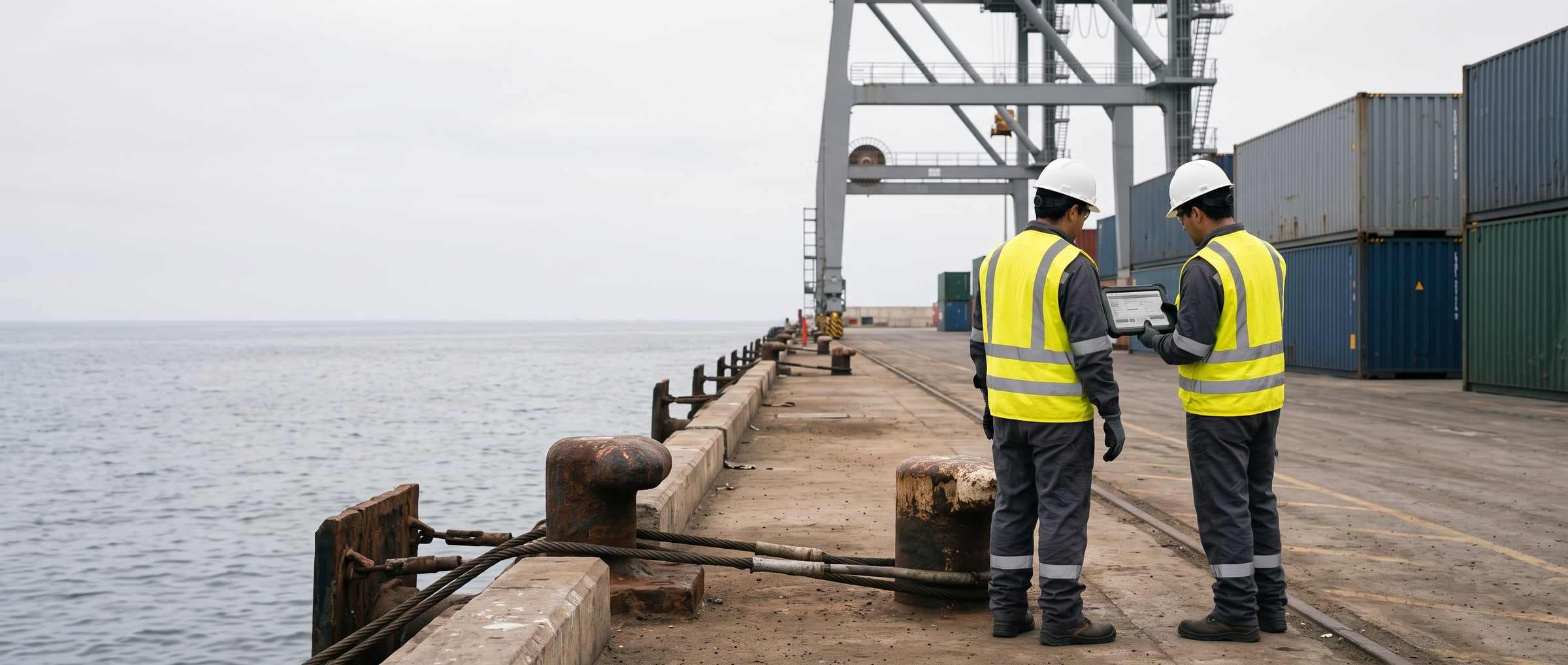
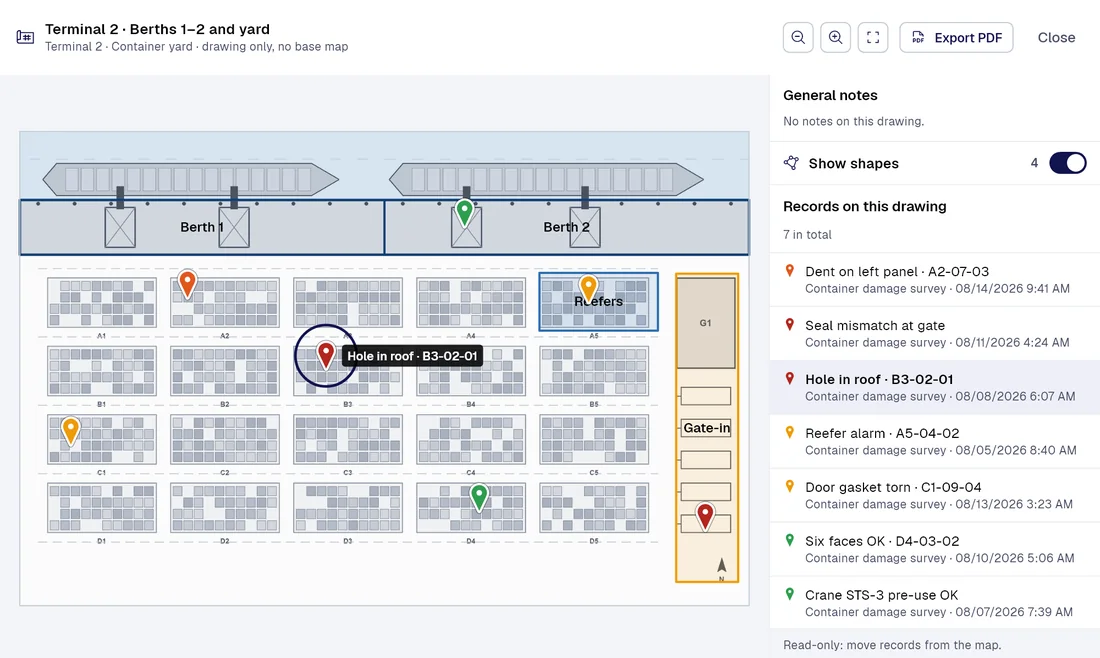
Today / With PAIR
Five terminal processes still running on paper, and how PAIR changes them
| Today |  |
|---|---|
| The operator ticks the paper form at shift start, and the defect reaches maintenance whenever someone types it up. | Crane and transfer equipment pre-use checkA critical defect opens a maintenance task on its own, with an owner and a due date, and stays in the unit’s history. |
| The checker marks damage on paper and takes photos on a personal phone, with no time or location behind them. | Container damage survey at gate-in and gate-outEvery photo sits in the record with its time and GPS point, and the PDF report carries the terminal’s branding. |
| The supervisor walks the gallery with no signal and notes damaged idlers in a notebook nobody consolidates. | Conveyor round at the bulk terminalThe round works offline, every finding sits on its level of the plan, and the dashboard shows which one keeps coming back. |
| The shift lead checks bollards, hooks and fenders before the vessel berths, and damage gets reported by word of mouth. | Berth check before mooringEvery bollard and fender becomes a point on the wharf plan, with its photo, its time and its history. |
| This year’s pile and fender inspection gets compared with last year’s by digging through folders and loose photos. | Annual wharf structure inspectionWith PAIR 360, coming soon with the Enterprise plan, every finding is anchored to its exact spot in the walkthrough, next to the item’s history. |
Smart captureProfessional
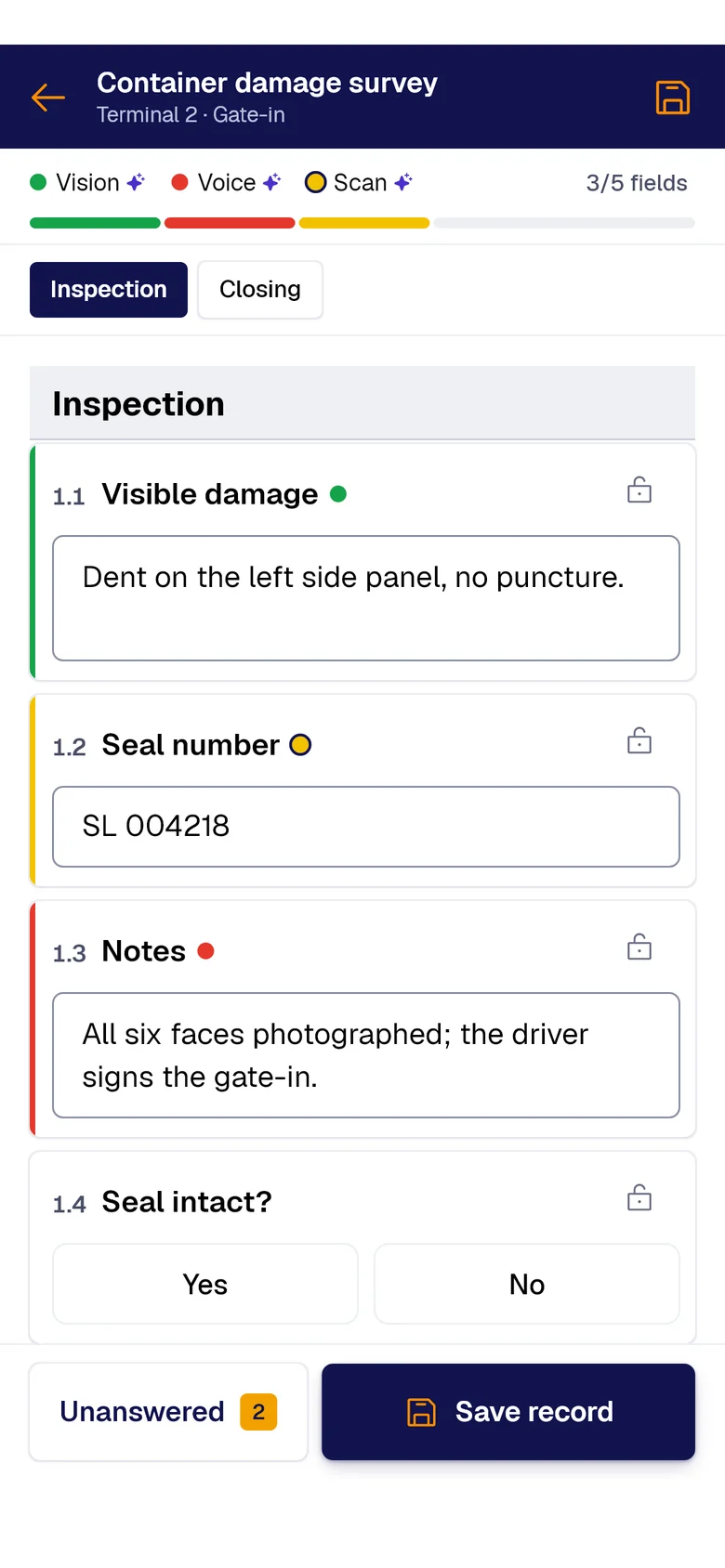
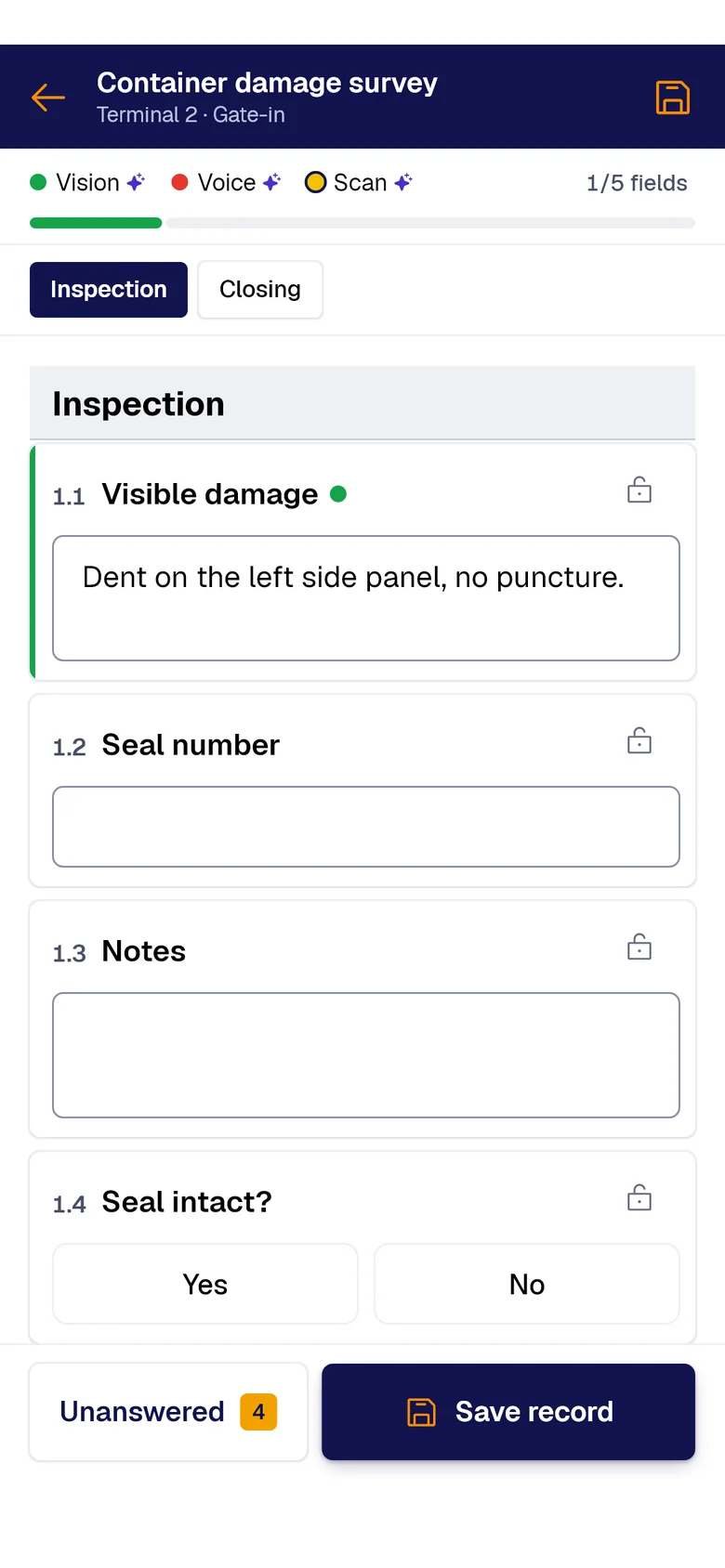
Your forms fill themselves with AI.
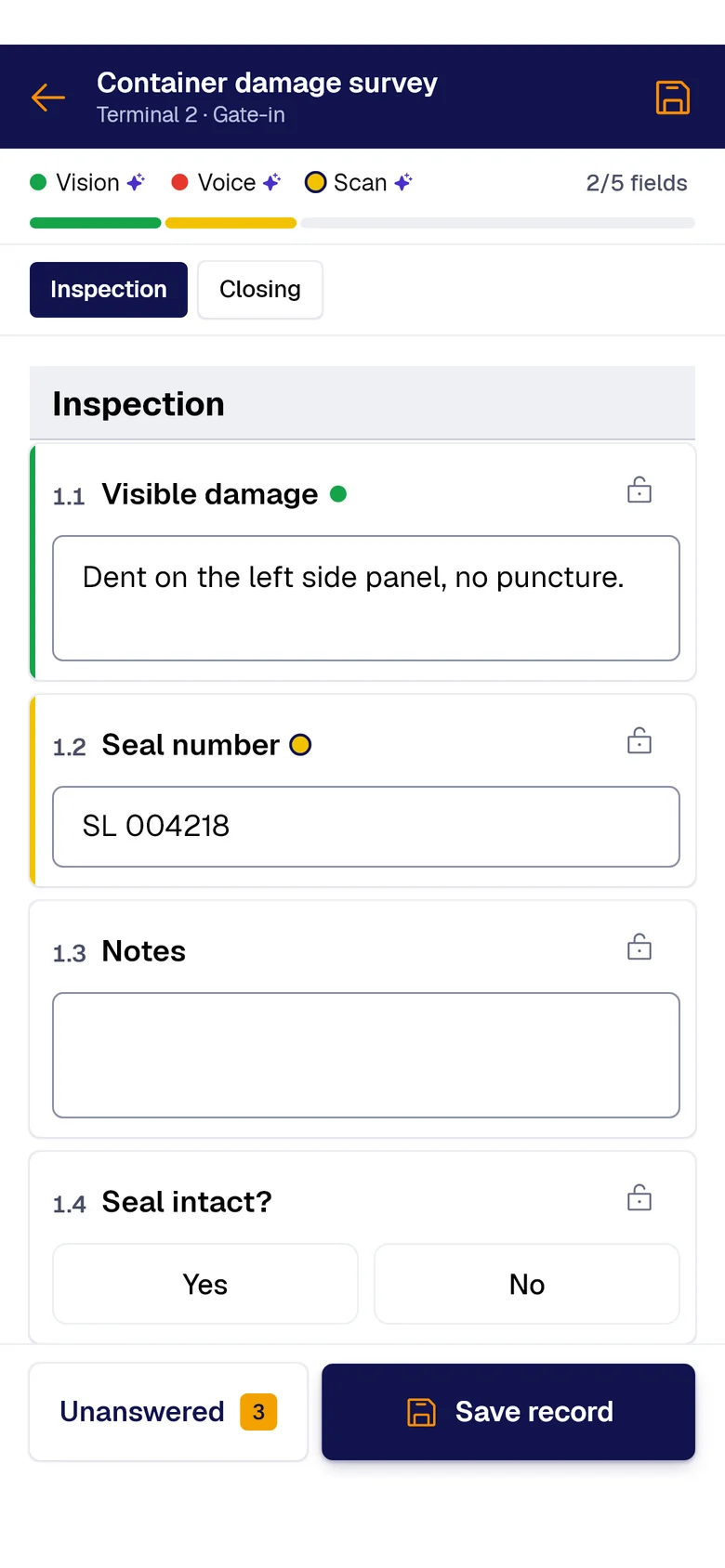
A photo, the paper sheet or your voice: AI fills each field and marks where it came from. You just review and save.
- PAIR VisionAI Take a photo and AI fills the fields with what it sees.
- PAIR ScanAI Scan the paper sheet and AI moves its data into the form.
- PAIR VoiceAI Speak and AI transcribes and fills the fields.
What it costs your terminal today
For container, bulk and fuel terminals, port concessions and stevedoring companies.
The pre-use check gets signed in the cab, and maintenance hears about the defect once the unit is down.
The shipping line bills for container damage weeks later, and your only proof is an undated photo.
Shift paperwork reaches the office after the vessel sails, and every hour a crane sits idle costs.
Forms to start with
-
 Form 01
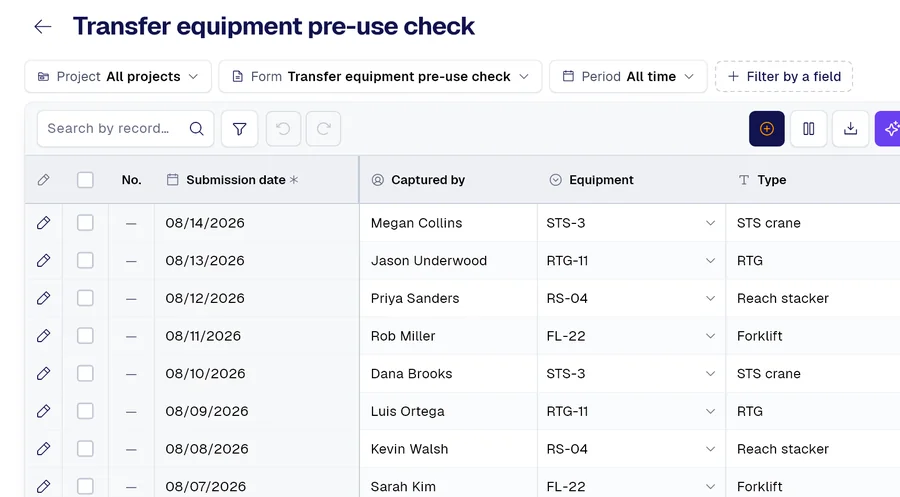
Transfer equipment pre-use check: STS crane, RTG, reach stacker and forklift
-
 Form 02
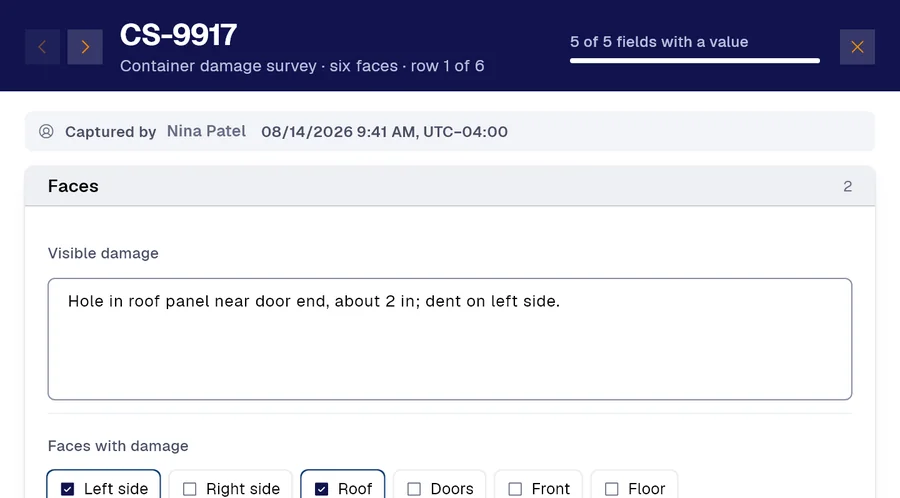
Container damage survey on all six faces, at gate-in and gate-out
-
 Form 03
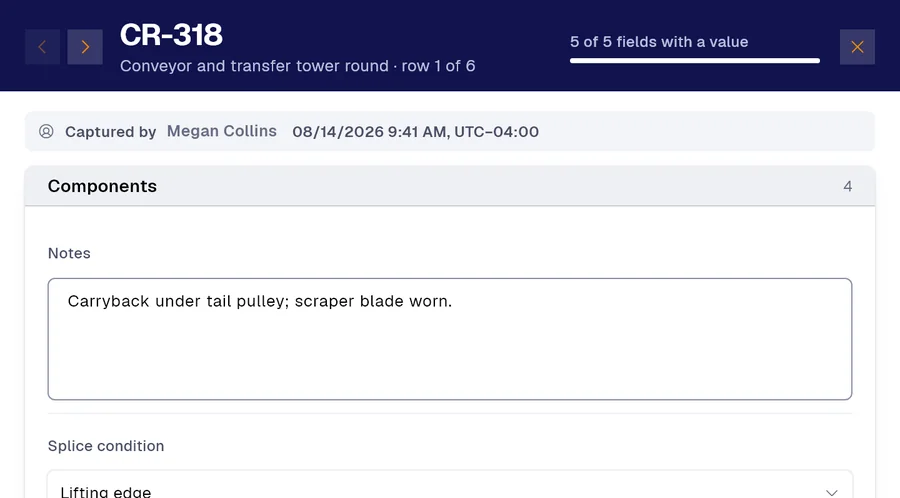
Conveyor and transfer tower round: idlers, splices, skirting and scrapers
And many more, built around your operation. Ask us.
Frequently asked questions
How do I digitize crane pre-use inspections or any document at a port terminal?
With a photo. Snap the form you use today, or any document, and in a couple of minutes or less the app turns it into a form with its sections, fields and checkboxes. You can also do it over WhatsApp with our chatbot, or build it field by field in the app.
Does it work with no signal on the dock or in the conveyor gallery?
Yes. The whole form works offline, and anything pending syncs on its own once coverage returns. Every record keeps the time it was filled and the time it reached the server, and a GPS point takes one tap.
How do I document container damage for a shipping line claim?
The survey is filled with photos, and every record keeps its time and GPS point. Every correction is logged with who made it, when and why, and the PDF report carries the terminal’s header.
Demo
Send us your pre-use form
Send the crane pre-use check or damage survey your crews fill out today, and see it digitized and running on a phone, with no signal.
Would you rather look at the plans first? See pricing.