
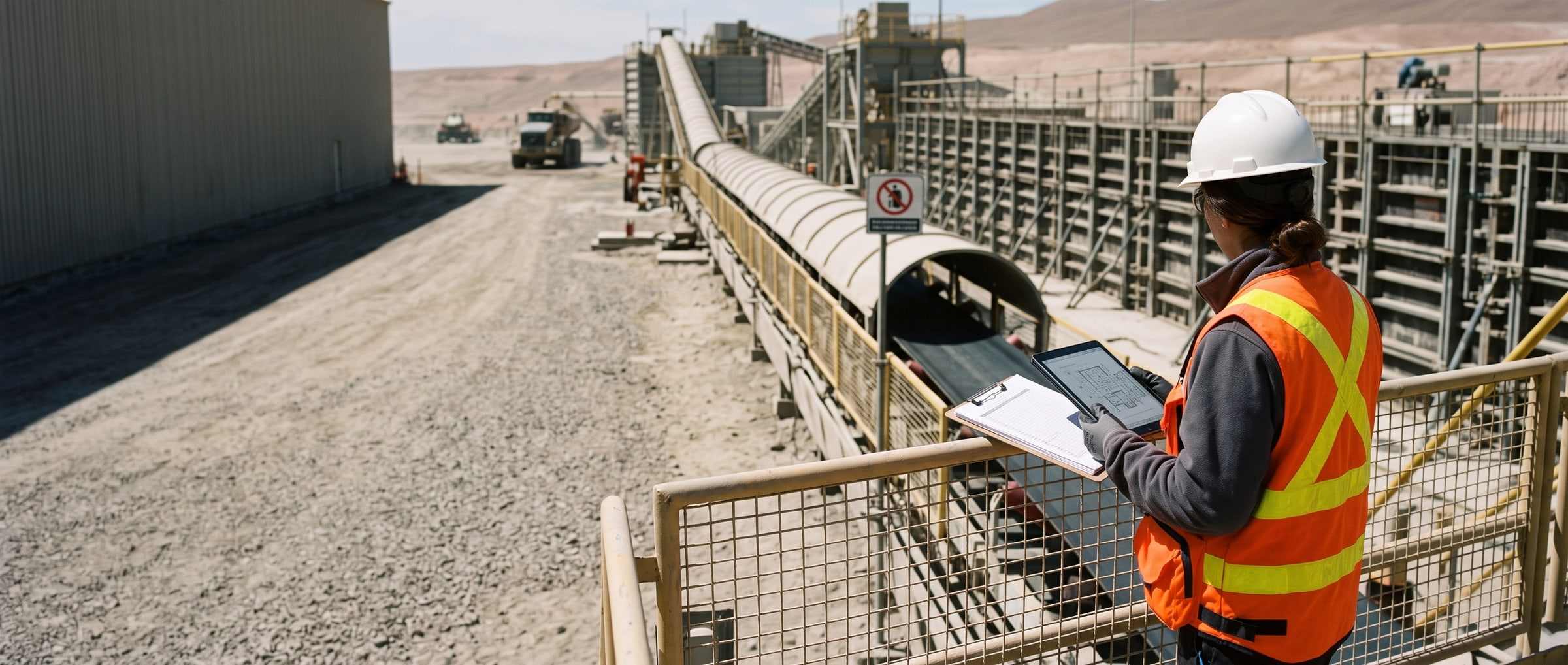
This month’s work is already recorded. The quantity backup still gets built by hand.
Every line of a progress payment needs backup: how much of each pay item was done in the period, and with what evidence. That’s already in the crew’s forms, yet someone retypes it on the 3rd. PAIR builds the backup from those records.
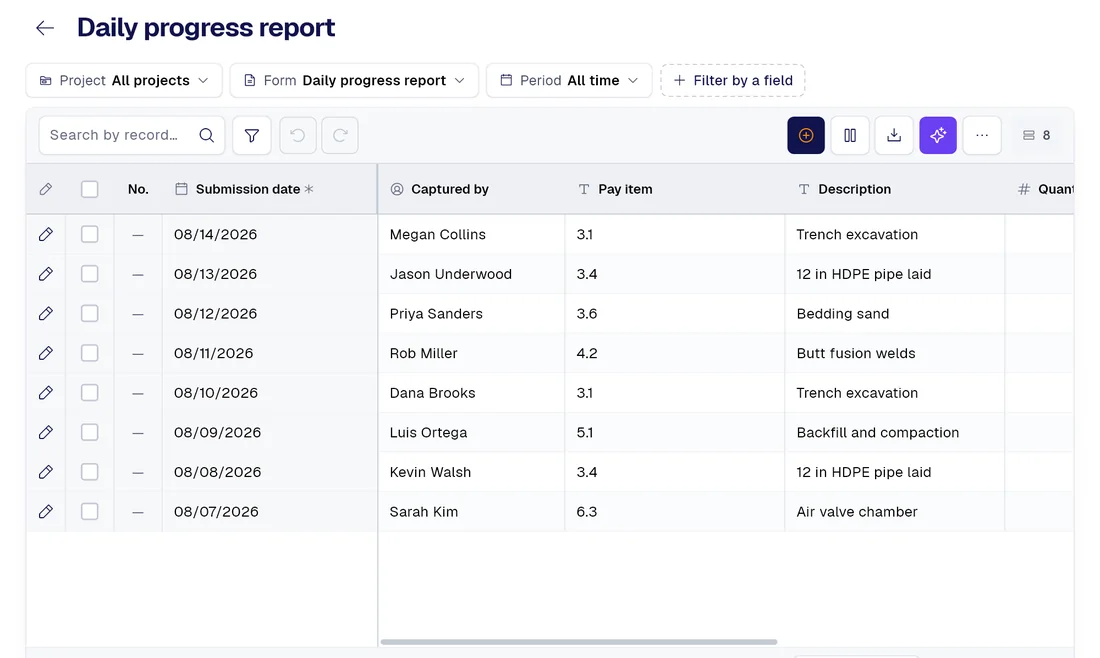
Today / With PAIR
Five things that change at month-end close
| Today |  |
|---|---|
| The contract administrator copies the bill of quantities by hand into every new spreadsheet. | Paste the bill of quantities straight from your ExcelPay items with their code, unit and contract quantity where the contract sets one. Plus a list of issues flagged when you paste, not a month later: duplicate codes and lines without a code are left out; a line without a unit of measure still comes in, flagged, so work charged to it doesn’t vanish from the backup. |
| The crew writes quantities on paper, and each person writes the item however they remember it. | Quantities are recorded where the work was doneEvery quantity tied to its contract item and its record, with the date it was filled out. Three sections logged on one form count as three, not one. |
| The contract administrator retypes the month’s figures, item by item. | The month comes out with contract, previous, this period and to dateAn Excel file with the figures stored as numbers (so the column sums), the same content as PDF and CSV, and the excluded lines listed inside the file itself. |
| Nobody checks: rejected and illegible entries get added to the spreadsheet anyway. | What can’t be billed stays out of the totalAnything rejected at approval is excluded and declared. An “approx 3” counts as illegible, not as zero. And a warning, on screen and in the file, if the month falls outside the contract term. |
| The contract administrator compares the two spreadsheets by hand, row by row. | The owner’s returned sheet, checked against yoursWhere they cut and by how much, sorted by largest cut, with the records behind each cut quantity inside the file you bring to the meeting. |
Smart captureProfessional
Your forms fill themselves with AI.
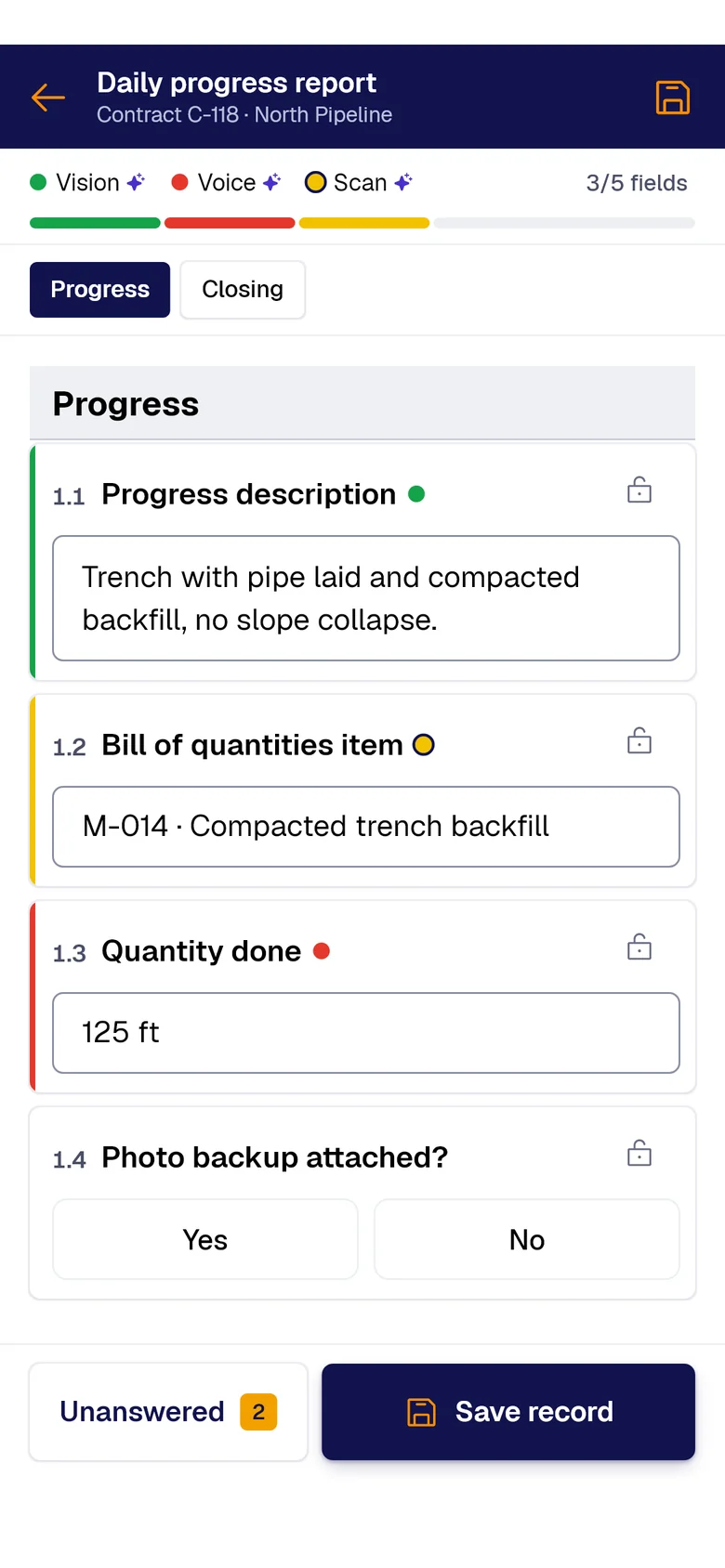
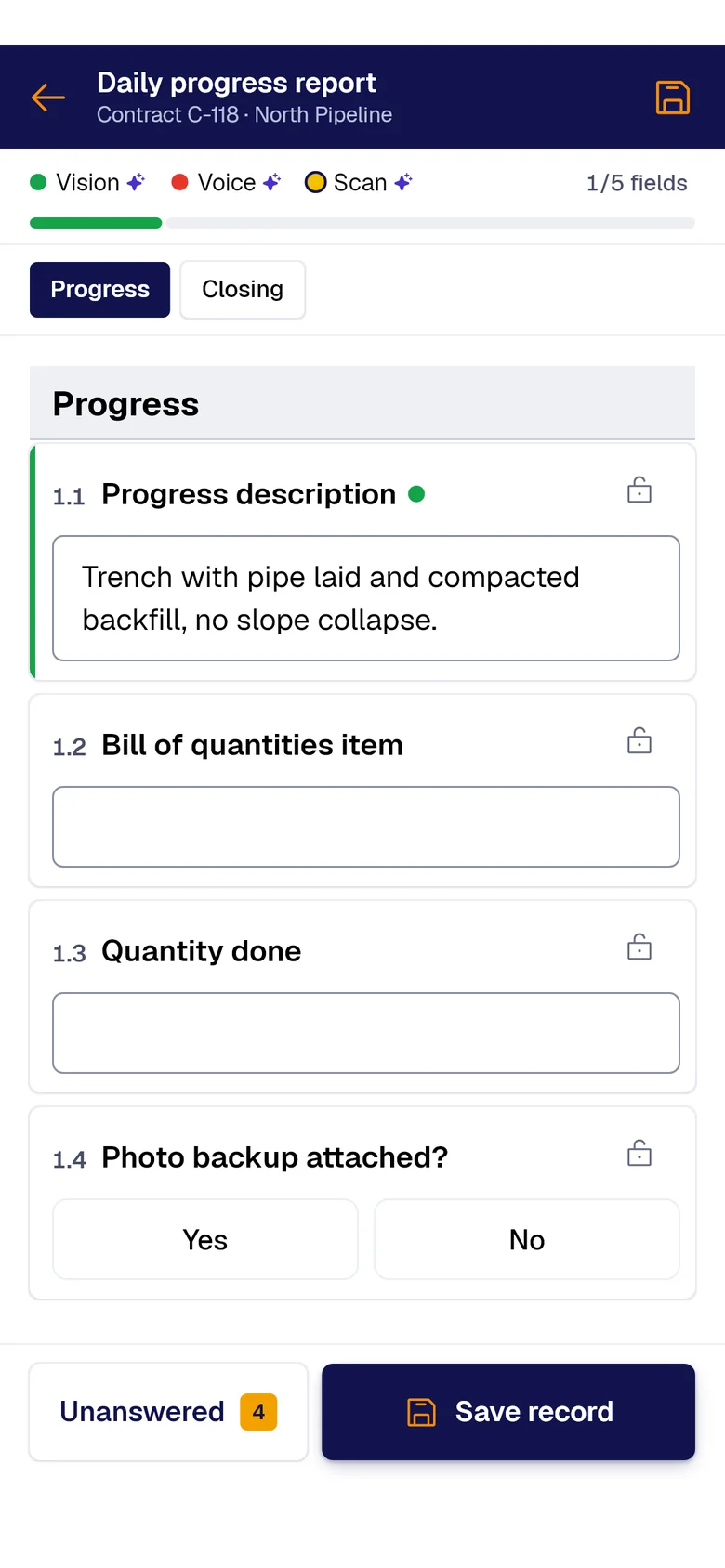
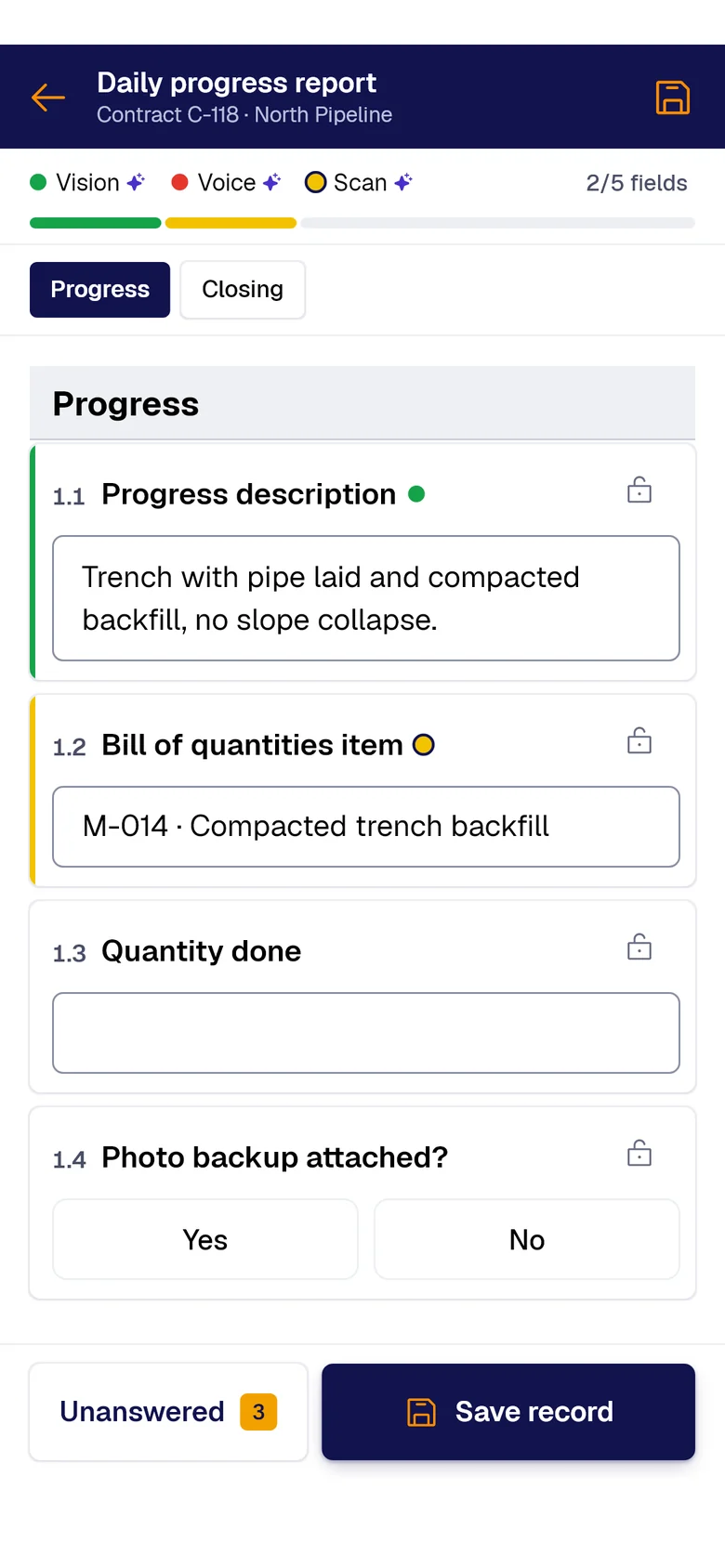
A photo, the paper sheet or your voice: AI fills each field and marks where it came from. You just review and save.
- PAIR VisionAI Take a photo and AI fills the fields with what it sees.
- PAIR ScanAI Scan the paper sheet and AI moves its data into the form.
- PAIR VoiceAI Speak and AI transcribes and fills the fields.
What breaks when you build the monthly backup
For the contract administrator who builds the monthly backup. PAIR produces the progress backup without prices: pricing and issuing the pay application stay in the owner’s portal.
The crew logged feet, units and hours in the daily report. At month end someone types those same figures into a spreadsheet, item by item, reading paperwork from three weeks back.
The math checks out and work is still missing: the bottom two rows of a multi-section form that nobody counted, or an item written “M-14” where the contract says “M-014”. Nothing flags it, because the file is arithmetically perfect.
When the owner sends the sheet back with a lower quantity, working out where they cut you, by how much and which records support your case costs another full day.
What you start with
-
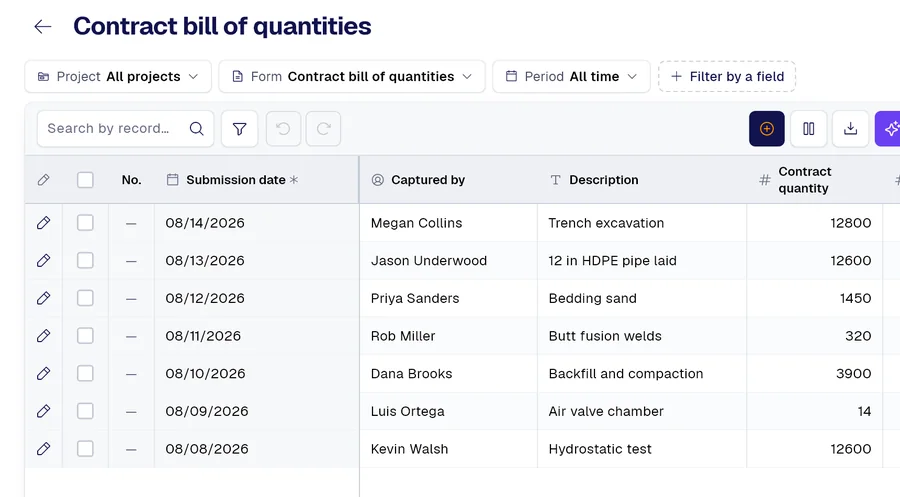 Form 01
Contract bill of quantities, pasted from your Excel
-
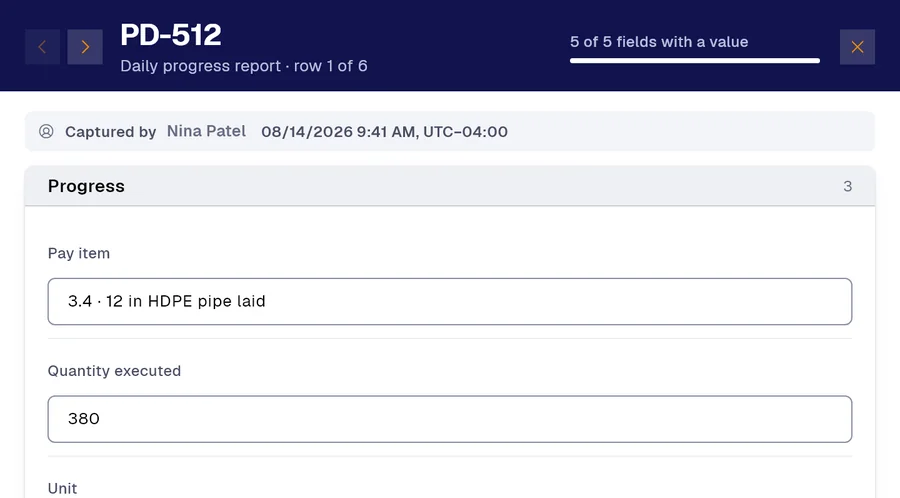 Form 02
Daily progress report, with pay item and quantity
-
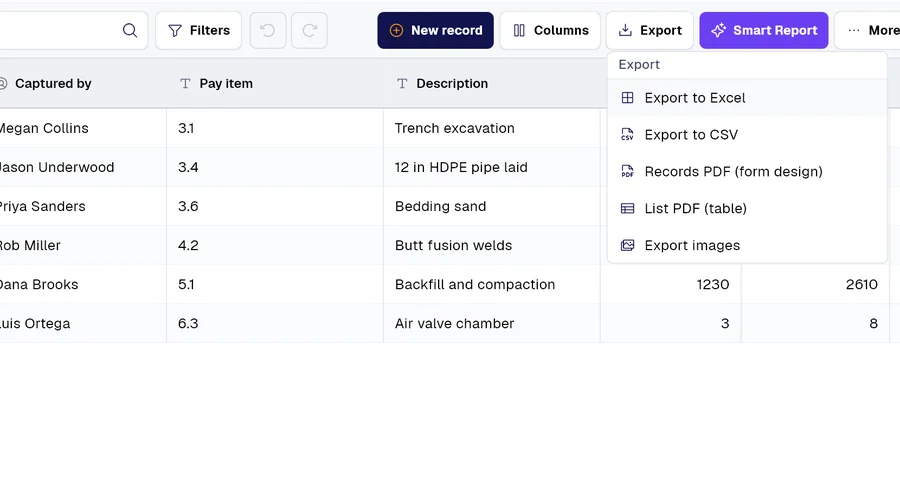 Form 03
Period quantity backup, as Excel, PDF or CSV
And many more, built around your operation. Ask us.
Frequently asked questions
Which plan includes it?
Contracts, bills of quantities and progress payment backup start on the Professional plan and are included in Advanced and Enterprise.

Demo
Bring us your bill of quantities and a daily report
The bill of quantities from one of your contracts and the form your crew uses to log progress: in thirty minutes you’ll see the month’s backup come out in Excel, with the excluded lines listed inside.
Would you rather look at the plans first? See pricing.