
The question isn’t how many records you have. It’s what changed since last month.
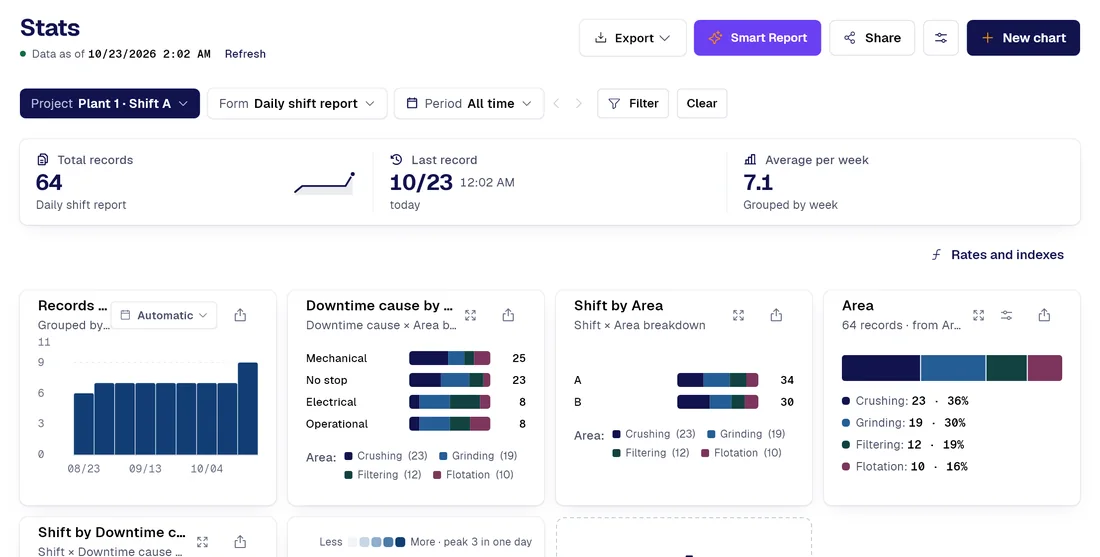
Every form filled out in the field is already a row with its date, author and fields. The hard part is the next question (what went up, where it’s concentrated), and today that means dumping everything into a spreadsheet. PAIR answers it from the records it already has.
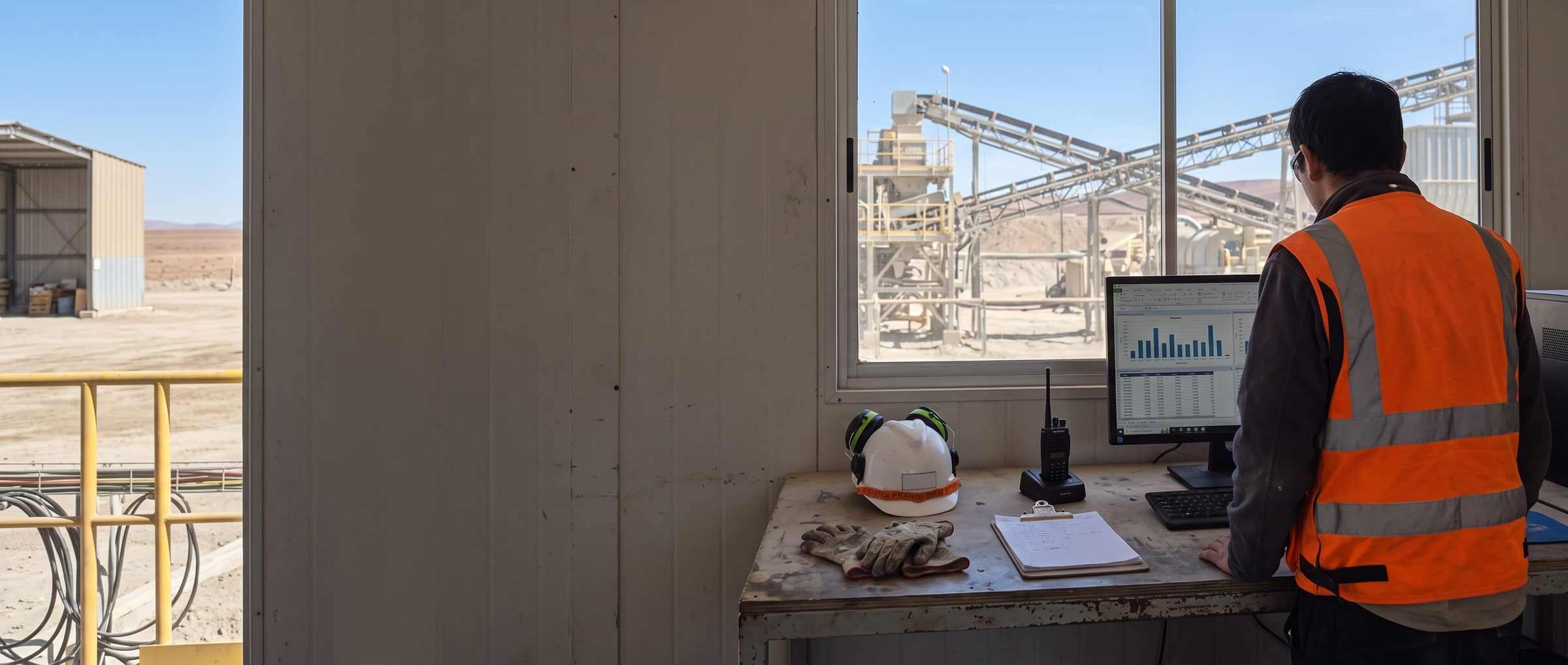
Today / With PAIR
Five things that change in the first month
| Today |  |
|---|---|
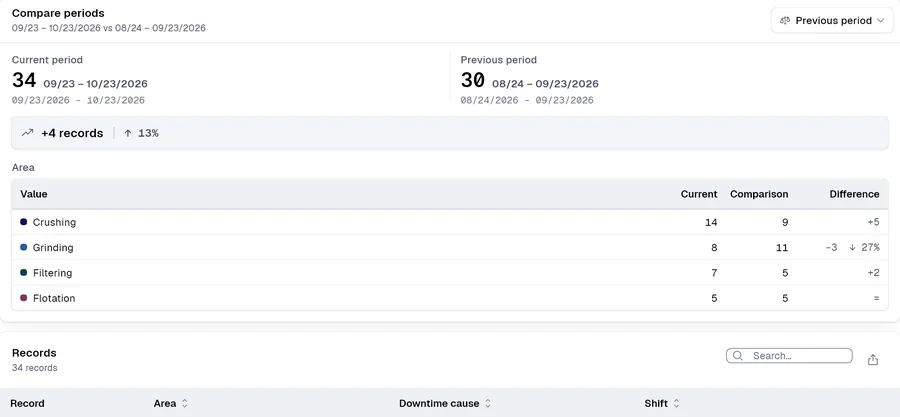
| The area manager dumps the records into a spreadsheet the day someone asks for the number. | Period-over-period comparison, with the incomplete period flaggedBoth counts and the difference in records, with the baseline trimmed to the same elapsed time and a warning that the period is only partway through. Compare against the previous period or the same period last year. |
| The supervisor builds the series by hand, and days with no records drop off the chart. | The daily series, idle days includedOne column per day of the chosen period, empty days included; the range is set by the period, not by the last data point. Separately, a twelve-month grid built on every downloaded record (not just the filtered ones) shows which month the activity fell in; records older than that window are counted and reported separately. |
| Whoever reviews records copies the rows into a spreadsheet to chart them. | Charts from the table, without a single value leaving the browserThe chart suggestion is driven by the data types and computed right there: no call to a model. It’s saved as a spec and the dashboard redraws it. |
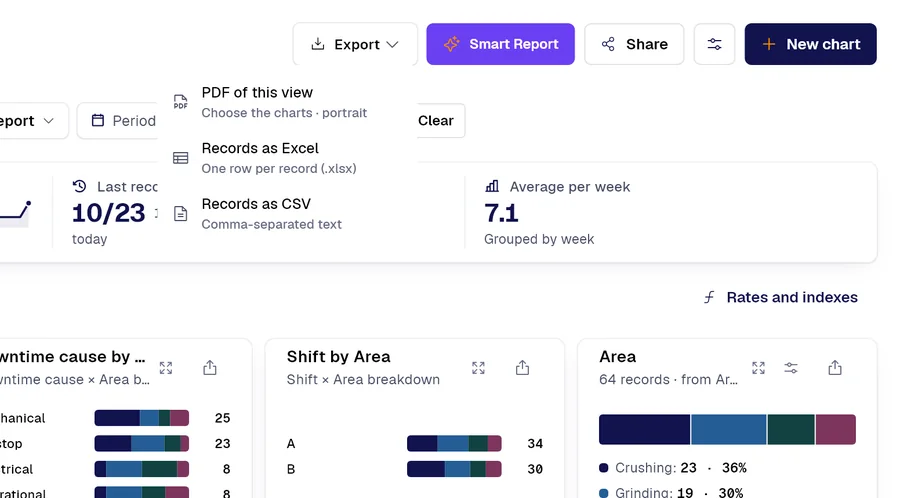
| Whoever signs the report pastes the charts into a document, one at a time. | The period report as a PDF, with what was left out statedA PDF with the charts you pick and, on request, the period’s forms attached up to a cap of thirty, with the number that didn’t fit shown on the same screen. |
| Sensitive data travels in the spreadsheet with everything else, and nobody controls it. | Reserved fields stay out of every aggregateThe field is kept out of every chart, average and prompt (even for an administrator who can read it record by record), and its name is listed instead of silently disappearing. |
Smart captureProfessional
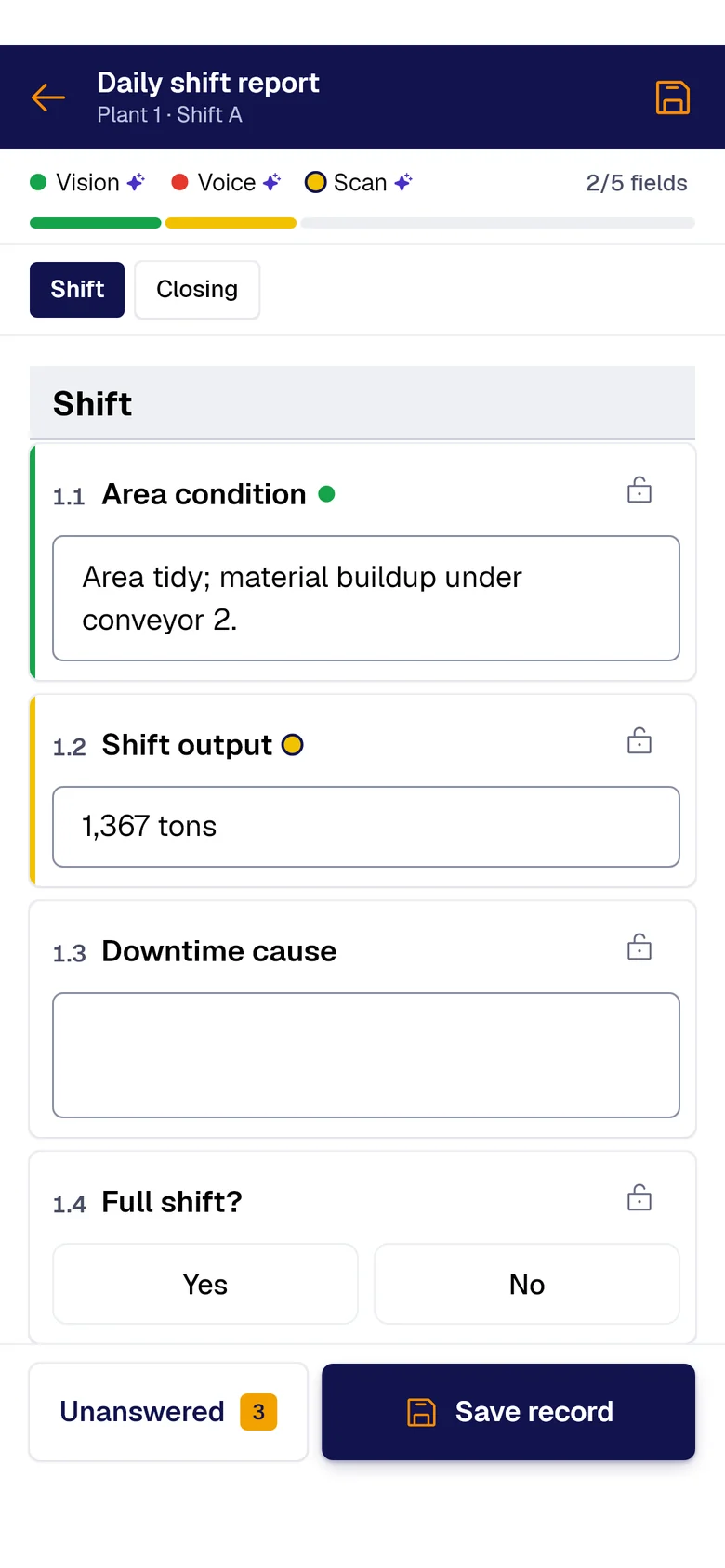
Your forms fill themselves with AI.
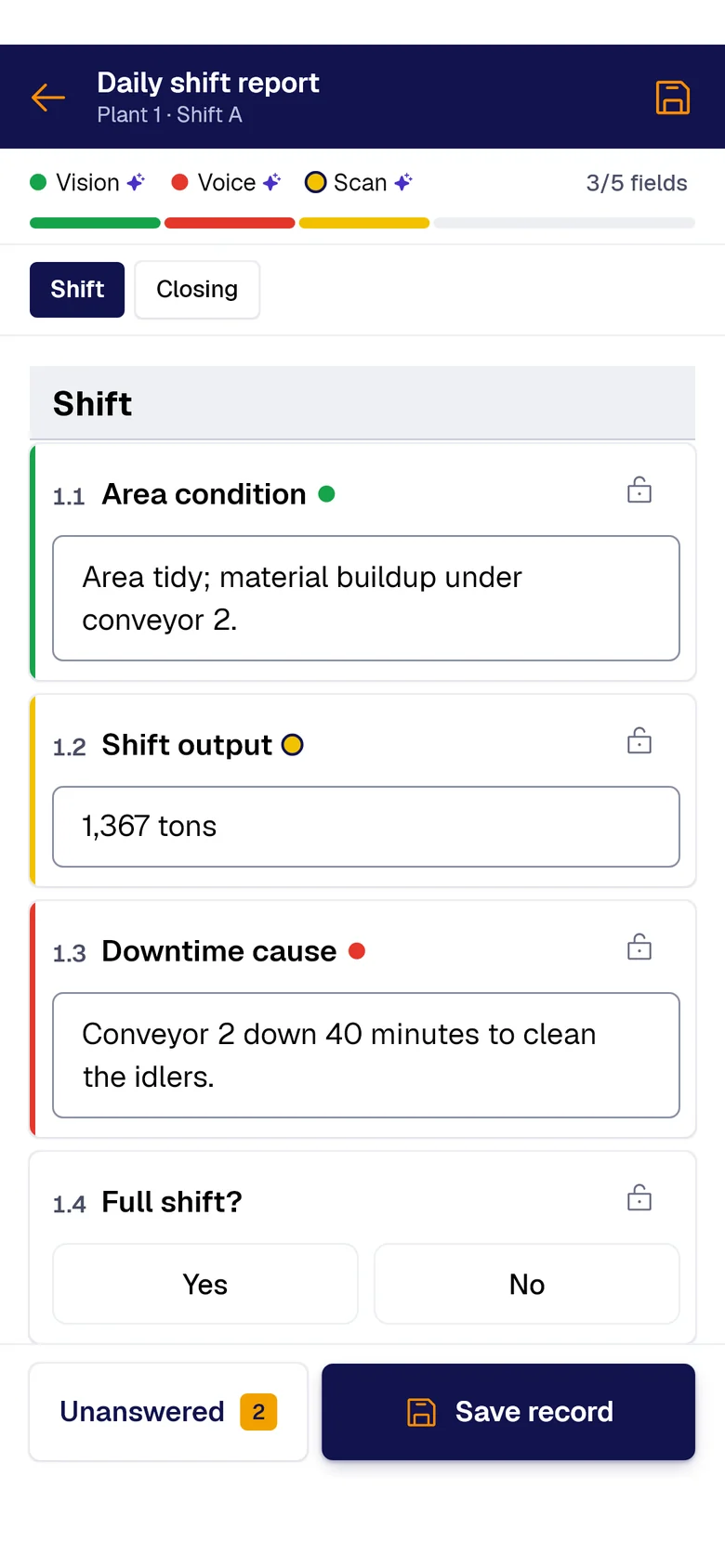
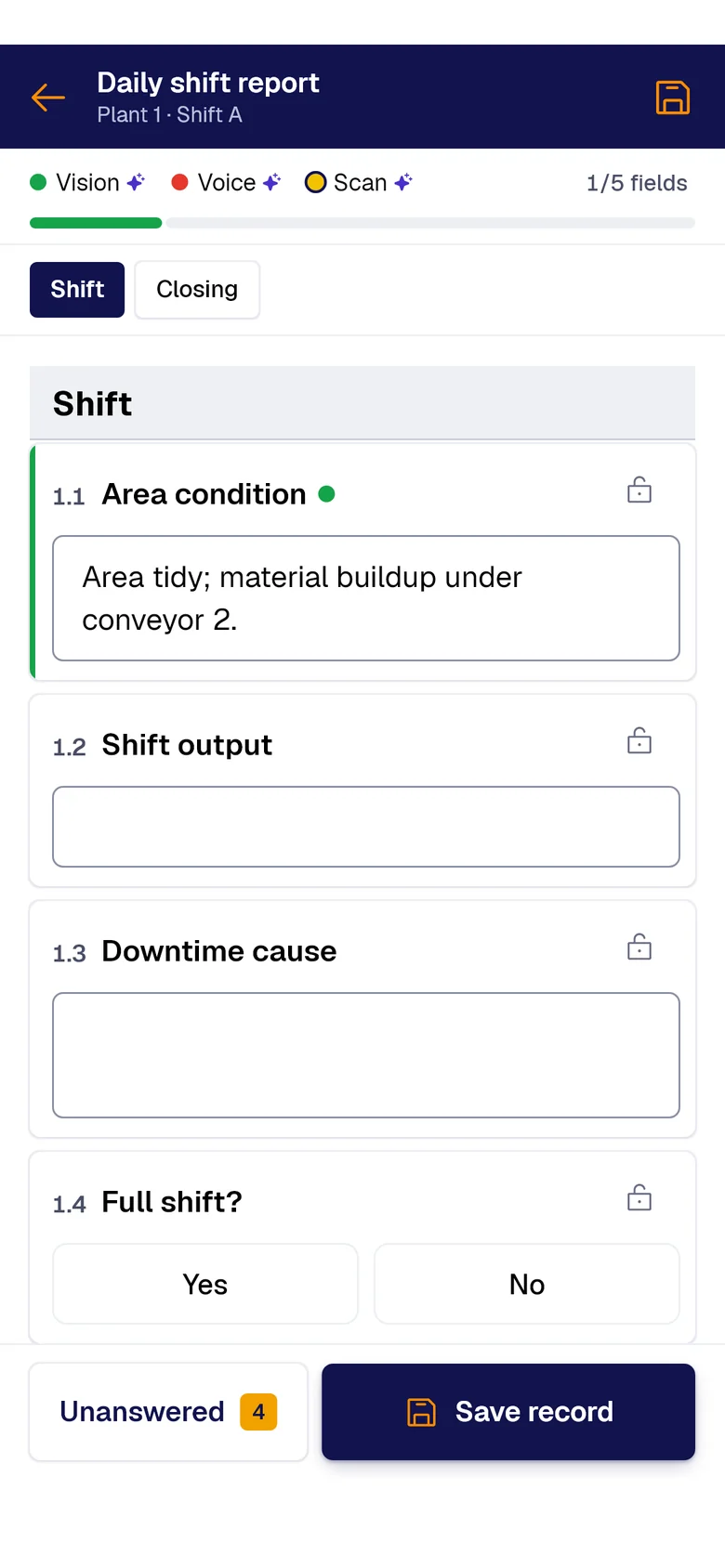
A photo, the paper sheet or your voice: AI fills each field and marks where it came from. You just review and save.
- PAIR VisionAI Take a photo and AI fills the fields with what it sees.
- PAIR ScanAI Scan the paper sheet and AI moves its data into the form.
- PAIR VoiceAI Speak and AI transcribes and fills the fields.
What it takes today to answer “how are we doing?”
For whoever has to explain the month in numbers: safety, quality, operations. It works one form at a time. If you need the record from a specific date with an auditor watching, that’s an audit.
The data is captured, but the answer means dumping everything into a spreadsheet and building a pivot table you have to redo next month.
The comparison with last month is made while the current month is half over: twelve days against thirty-one, and a drop appears that never happened.
The management report is built by pasting charts into a document, and when someone asks where a number came from, you’re back in the spreadsheet.
What you get out of it
-
 Form 01
Period report as a PDF, with the charts you choose and the written analysis
-
 Form 02
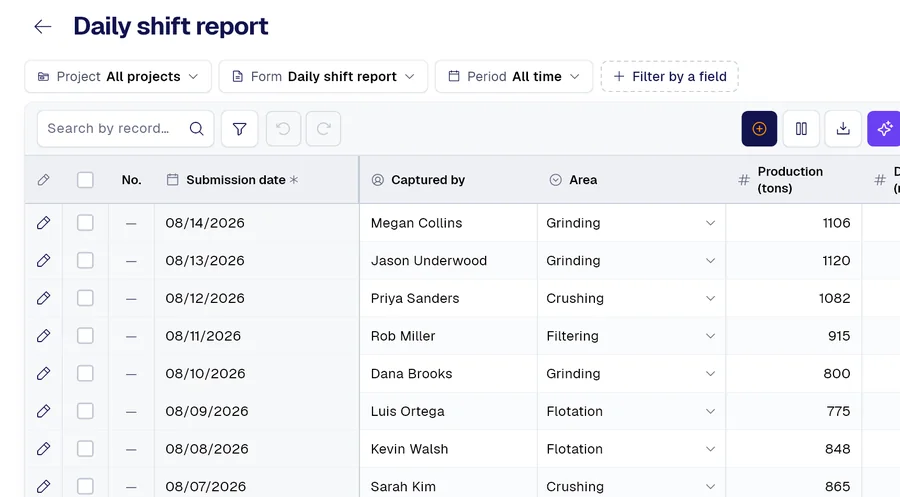
Excel file of records, one row per record
-
 Form 03
Comparison against the previous period or the same period last year
And many more, built around your operation. Ask us.

Demo
Bring us a month of your records
The form your team already fills out and a month of data: in thirty minutes you’ll see the numbers, the daily series and the period report come out as a PDF.
Would you rather look at the plans first? See pricing.