
Decide · Ask your data
Ask the plant what happened, right in your team chat.
PAIR chat brings the crew, the supervisor and the contractor together in project groups. Type @PAIR and the assistant answers from records, tasks and meeting minutes, builds the chart, summarizes the thread and flags findings, always within the permissions of whoever is asking.
Included from Professional · from $37 per seat/month, billed annually · See plans →
Encrypted data · Never used to train AI models · Trust Center →

How your team uses it
- 01 · Project groups
The crew, supervision and the connected contractor talk where the records live, not in a personal group chat.
- 02 · Type @PAIR
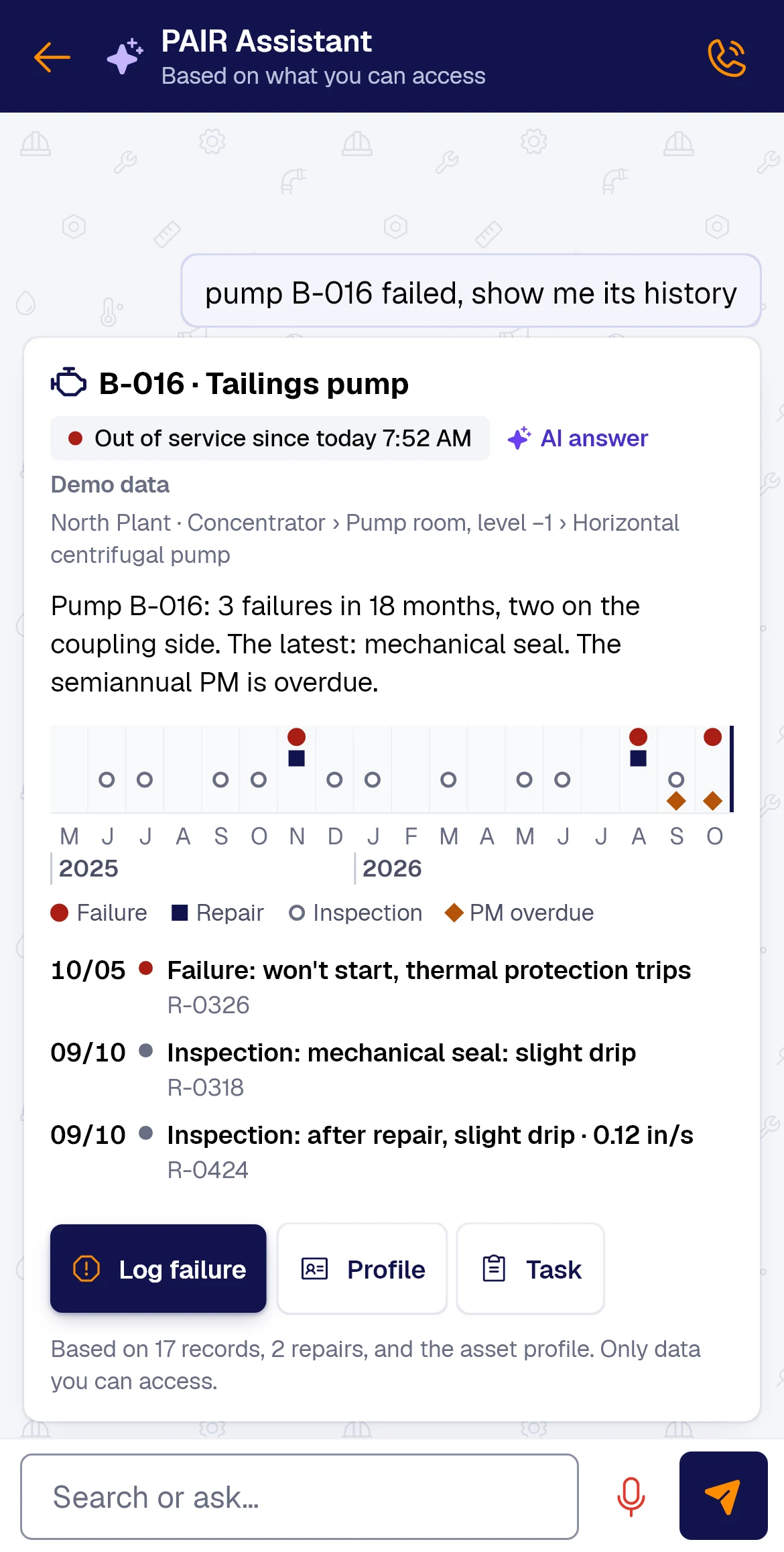
“How many failures did pump 3 have this month?” The assistant searches the records and answers with the number and its chart.
- 03 · Summarize and flag
It summarizes the thread, suggests tasks and flags findings so nobody loses them in the scroll.
In the app
What it looks like, for real.
The PAIR screen as your team uses it, with what the AI did called out.
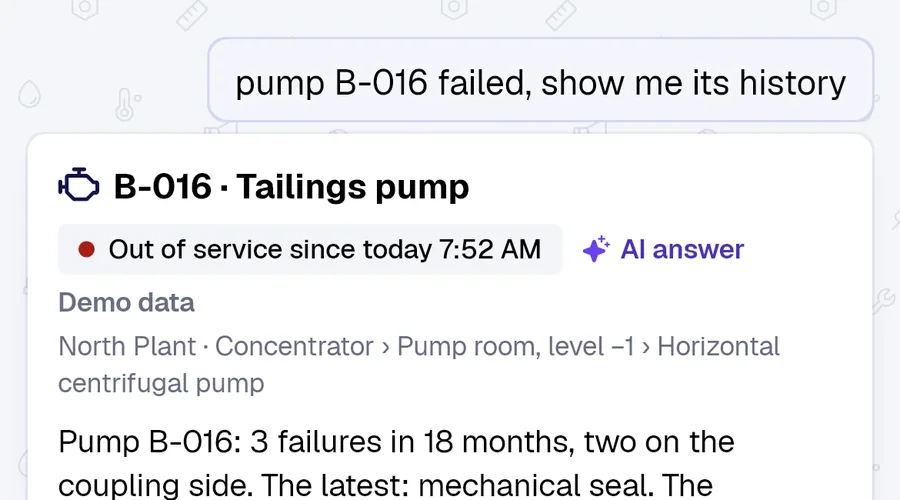
- Asked in plain words
- Live status from the last record
- Answer built from 3 failure records
Bars: hours between failures per month · dotted line: quarter average Try this with your data →
AI drafts. Your team approves. Every value shows its source.See it on your own form → Book a demo
Answers, not folders
- Within each user’s permissions
- Answers with charts
- Ask by voice
- With AI
Answers with charts
Questions about your form data, answered with a chart, no spreadsheet needed.
-
By voice
Dictation in chat and a voice call with the assistant, hands busy.
-
Flagged findings
A message becomes a finding or a task, with an owner and a due date.
-
Within each user’s permissions
It reads the tasks, approvals, records and minutes the person can see. It never deletes, signs or approves.
-
Cross-company chat
Owner and contractor, connected, talk about the same record.
-
Urgent alerts
A critical finding alerts the group instantly, in the app, by email or on WhatsApp.
At a glance
| Where | App, web and WhatsApp |
|---|---|
| Reads | Records, tasks, approvals and minutes |
| Permissions | Only what the person asking can see |
| Writes | Never deletes, signs or approves |
| Voice | Dictation and voice call |
Before you ask
Can the assistant see data a user is not allowed to see?
No. It answers only with what the person asking can already see, and it never deletes, signs or approves anything.
Is our data used to train AI models?
No. Your data is processed only to deliver the service. The Trust Center lists the vendors involved.
Does it work in WhatsApp too?
Yes. The same assistant answers in the app, on the web and on WhatsApp. See it with your own records in the demo.

Demo
Ask a question about your own operation
In the demo we load a few real records and ask the assistant what your team looks up by hand today.
Would you rather look at the plans first? See pricing.
- 1We reply to set a time
- 2A 30-minute call using one of your forms
- 3You walk away with that form running in PAIR
No credit card. Nothing to install. Prefer email? sales@pairapp.ai