
Capture · Paper to digital
The checklist you already use, digital in minutes. Nothing to design.
Upload the PDF, a photo of the paper sheet or the Excel file of the checklist you have always used, and AI builds the form with its sections, fields, checkboxes, lists and signatures, with the same letterhead. Review it, tweak it if needed, and your crew fills it today by voice, photo or WhatsApp.
Included from Light · from $25 per seat/month, billed annually · See plans →
Encrypted data · Never used to train AI models · Trust Center →
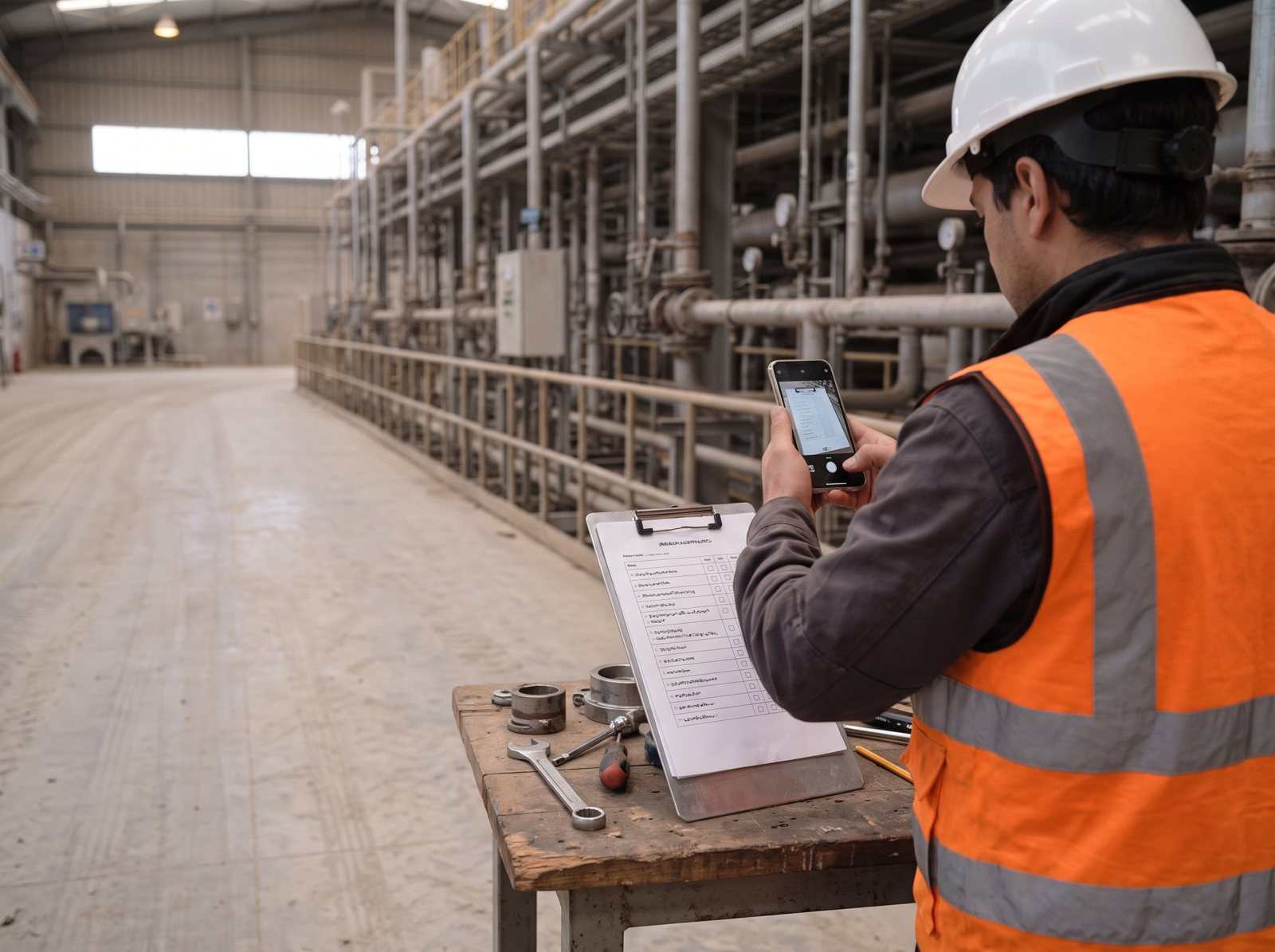
From paper to a live form
- 01 · Upload the checklist
A PDF, a photo of the paper sheet, a Word or an Excel file. The ones you use today, exactly as they are.
- 02 · AI builds the form
It recognizes sections, questions, checkboxes, lists, tables, signatures and required fields, and proposes the charts.
- 03 · Review and publish
Adjust anything you need and the form is ready to fill in the field, with or without signal.
In the app
What it looks like, for real.
The PAIR screen as your team uses it, with what the AI did called out.
- Your paper checklist
- AI finds every field
- Handwriting read as values
Dotted line: what AI recognized and the field it created Try this with your data →
AI drafts. Your team approves. Every value shows its source.See it on your own form → Book a demo
What AI recognizes on the page
- No form building
- Fill it offline
- English or Spanish
- With AI
Checkboxes and lists
Yes, no, N/A; option lists; 1 to 5 scales.
-
Sections and tables
Blocks with their titles and tables that repeat per asset or per point.
-
Signatures and owners
Who fills, who reviews and who approves, just like on paper.
-
Photo fields
Where the paper said “attach photo,” the form asks for the photo.
-
Proposed charts
AI proposes a chart for each question when it creates the form.
-
English or Spanish
The checklist in one language, the form in whichever your crew prefers.
At a glance
| Input | PDF, photo, Word or Excel |
|---|---|
| Recognizes | Sections, checkboxes, lists, tables, signatures, photo fields |
| Review | You edit before publishing |
| Languages | English and Spanish |
| Included from | Light plan |
Before you ask
Do we have to redesign our checklists?
No. You upload the checklist you already use and AI builds the form with the same sections and fields. You only adjust what you want to change.
What if the scan is poor or handwritten?
AI reads printed and handwritten pages. Anything it is unsure about is flagged for you to fix before publishing.
Which plan includes it?
Every plan, starting with Light. Bring a checklist to the demo and see it converted live.

Demo
Today’s checklist, digitized in the demo
Bring a PDF or a photo of the checklist you use and in the demo it becomes a form, filled from a phone.
Would you rather look at the plans first? See pricing.
- 1We reply to set a time
- 2A 30-minute call using one of your forms
- 3You walk away with that form running in PAIR
No credit card. Nothing to install. Prefer email? sales@pairapp.ai